-
Posted on: 07 Jan 2026
-
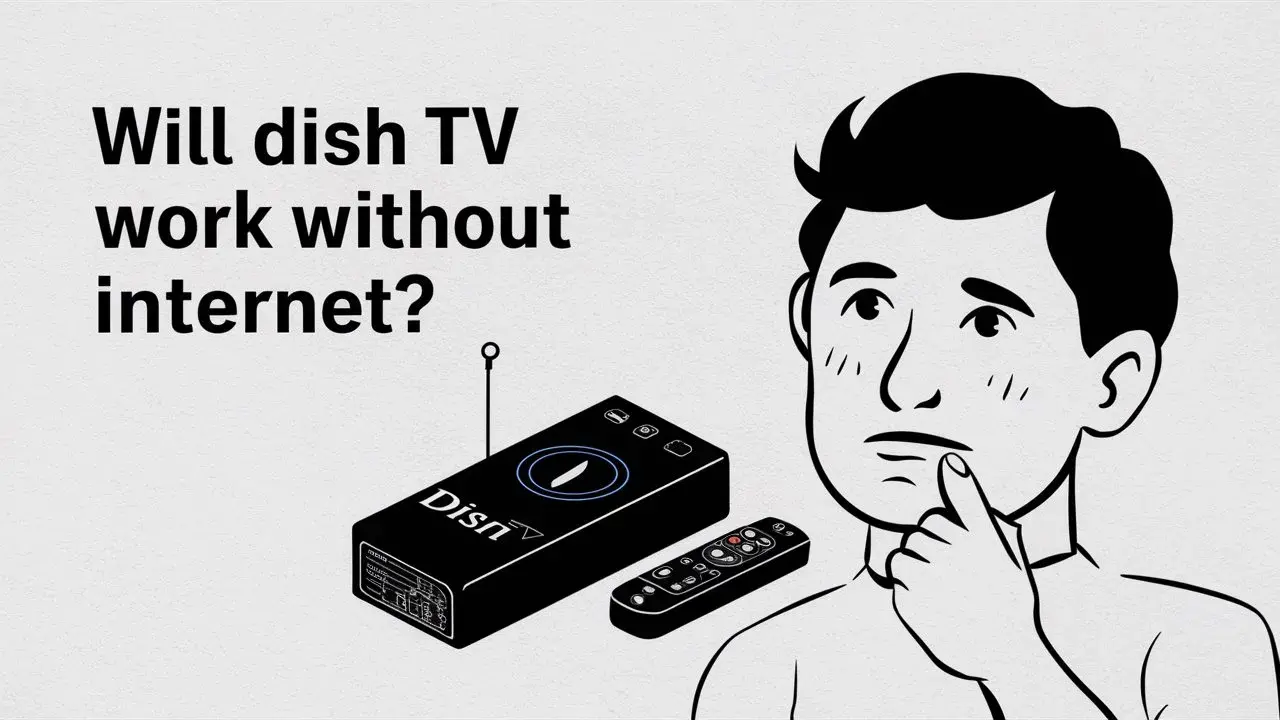
Yes, Dish TV can absolutely work without an internet connection for its core television programming. Unlike streaming services, Dish TV relies on satellite signals for broadcast, meaning a stable internet connection is not required for watching live channels, recorded shows, or accessing the program guide. This makes it an ideal solution for areas with poor internet infrastructure or for users who prefer traditional satellite television.
Understanding Dish TV Basics: Satellite vs. Streaming
In the rapidly evolving landscape of home entertainment, the distinction between traditional television services and modern streaming platforms has become increasingly important. Dish TV operates as a satellite television provider, fundamentally different in its delivery mechanism from internet-dependent streaming services like Netflix, Hulu, or YouTube TV. While streaming services rely on a stable broadband internet connection to transmit video and audio data over the web, Dish TV utilizes a network of satellites orbiting Earth to broadcast channels directly to subscribers' homes. This core difference dictates how each service functions, especially concerning the necessity of an internet connection. Understanding this foundational difference is key to answering whether Dish TV can function without internet access.
The Dish TV Internet Dependence Myth
A common misconception is that all modern television services require a robust internet connection. This is largely fueled by the ubiquity of streaming and the increasing integration of smart features into televisions and set-top boxes. Many consumers assume that because their smart TV has Wi-Fi capabilities or because they use streaming apps, that a satellite service like Dish TV would also be reliant on the internet for basic channel viewing. However, this is a myth. Dish TV's primary function – delivering live television channels – is entirely independent of your home's internet service. The signal travels from the satellite, to your satellite dish, and then directly to your Dish TV receiver (set-top box), bypassing your internet router and modem entirely for the core viewing experience. This independence is a significant advantage for many households.
How Dish TV Works Without Internet
The operational mechanics of Dish TV without an internet connection are straightforward and highlight its distinct technological approach. The service is designed to deliver entertainment through a dedicated satellite infrastructure, minimizing reliance on terrestrial internet networks for its core offerings.
Satellite Signal Reception
At the heart of Dish TV's operation is its satellite constellation. Dish Network operates and leases transponders on various geostationary satellites. These satellites receive signals from Dish's ground uplink facilities, amplify them, and then re-transmit them back down to Earth. Your home is equipped with a satellite dish, typically mounted on the roof or a side of the house. This dish is precisely aligned to receive the signals from the designated Dish Network satellites. The dish acts as a receiver, capturing the faint signals and focusing them onto a device called a Low Noise Block (LNB) converter. The LNB amplifies the signal and converts it to a frequency that can be transmitted through a coaxial cable to your set-top box. This entire process occurs independently of any internet connection. The satellite transmits the television channels directly, and your dish simply captures them. This is analogous to how traditional over-the-air (OTA) antennas receive broadcast signals from local towers, but on a much larger, global scale.
Set-Top Box Functionality
The Dish TV set-top box, also known as a receiver or DVR (Digital Video Recorder), is the central hub for your television viewing experience. When you turn on your TV and select a channel, the set-top box receives the satellite signal via the coaxial cable from the dish. It then decodes this signal, which is in a digital format, and converts it into a video and audio stream that your television can display and play. The set-top box has internal tuners capable of selecting specific frequencies associated with different channels. For basic channel viewing, this is all the box needs. It doesn't need to "phone home" to an internet server to verify your subscription or to fetch channel data for live TV. Your subscription status is managed by the signal itself and the box's unique identifier, which is authenticated by Dish's system through the satellite signal. Therefore, even without any internet connectivity, your Dish TV receiver can tune into all the channels you are subscribed to, provided it has a clear line of sight to the satellite and the dish is properly aligned.
Program Guide Access
One of the key conveniences of modern TV services is the electronic program guide (EPG), which displays what's on now, what's coming up, and provides descriptions of shows. Dish TV provides an EPG to its subscribers, and importantly, this guide data is also transmitted via the satellite signal. The set-top box receives this data stream and populates the on-screen guide. While some advanced features of the EPG, like detailed synopsis fetched in real-time or recommendations, might benefit from an internet connection, the fundamental ability to see what channels are broadcasting and at what times is delivered through the satellite. In scenarios where internet is unavailable, the EPG will still function, albeit with potentially less dynamic information than if it were connected. For instance, it will show scheduled programming accurately, but it might not pull in the latest movie details or cast information that a connected box could access. However, for the primary purpose of selecting a channel to watch, the satellite-delivered EPG is perfectly adequate.
Features That May Require Internet
While Dish TV excels at providing core television services without internet, certain advanced features and functionalities are designed to leverage an internet connection for enhanced user experience or to provide services that are inherently internet-based. Understanding these distinctions is crucial for users who might be considering Dish TV for its internet-independent capabilities but still want to utilize its full suite of features.
On-Demand Content and PPV
Dish TV offers various on-demand content libraries and Pay-Per-View (PPV) options. While some older PPV systems might have relied on phone lines or direct satellite commands, modern implementations often utilize internet connectivity for a smoother and more robust experience. Purchasing a PPV movie or event through an internet-connected set-top box is typically faster and more seamless. The order is processed instantly, and the content stream can be initiated more readily. Similarly, on-demand libraries, which allow you to watch shows and movies at your convenience without regard to broadcast schedules, often pull content from Dish's servers via the internet. Without an internet connection, access to these extensive on-demand libraries and the ability to purchase and stream PPV content directly through the box would be severely limited or entirely unavailable. In such cases, users might need to resort to alternative methods for ordering PPV if available, or rely on their subscribed channels for scheduled programming.
Interactive Features and Apps
Modern set-top boxes are increasingly becoming more like mini-computers, offering interactive features and even built-in apps. These can range from weather widgets and sports scores to integrated streaming apps (like Netflix or Amazon Prime Video, if supported by the specific Dish receiver) and interactive games. For these features to function, the set-top box needs to connect to the internet to fetch real-time data, stream content from third-party services, or download app updates. If your Dish TV receiver has a built-in app store or offers features like real-time sports scores that update dynamically, these will not work without an internet connection. The box needs to communicate with external servers to retrieve this information. Therefore, users who are interested in the smart capabilities of their Dish TV box will find that an internet connection is a prerequisite.
Software Updates
Like any electronic device, Dish TV set-top boxes receive periodic software updates. These updates are crucial for improving performance, fixing bugs, adding new features, and ensuring security. While some updates might be delivered via the satellite signal in a more traditional manner, many modern devices are designed to download these updates directly from Dish's servers over the internet. An internet connection ensures that your set-top box is always running the latest firmware, which can lead to a more stable and feature-rich experience. Without an internet connection, your box might miss out on these important updates, potentially leading to a less optimized user experience over time or missing out on new functionalities that Dish rolls out. It's important to note that critical updates might still be pushed via satellite, but convenience and feature-based updates are often internet-dependent.
Account Management
Managing your Dish TV account – such as checking your bill, changing your programming package, or troubleshooting service issues – is typically done through online portals or mobile apps. These platforms require an internet connection to access your account information and make changes. While you can still contact Dish customer service via phone for account management without internet, performing these tasks yourself through digital channels necessitates connectivity. Some set-top boxes might also offer limited account information displays that could be updated via satellite, but for comprehensive management, an internet connection is usually required.
Comparing Dish TV with Internet vs. Without
The decision to connect your Dish TV system to the internet depends heavily on your priorities and how you intend to use the service. While the core functionality remains robust without connectivity, the added benefits of an internet connection can significantly enhance the user experience for some. Let's break down the pros and cons.
Feature Comparison Table
The following table summarizes the key differences in functionality when using Dish TV with and without an internet connection. This comparison is based on typical Dish Network offerings and receiver capabilities as of 2025-2026.
Feature Works Without Internet Requires Internet Live TV Channel Viewing Yes No Electronic Program Guide (EPG) Yes (Basic information) Yes (Enhanced details, real-time updates) Recording Live TV (DVR Functionality) Yes No On-Demand Content Library Limited/No Access Yes Pay-Per-View (PPV) Ordering & Streaming Limited/No Access (may require phone order) Yes (Seamless ordering and streaming) Built-in Streaming Apps (Netflix, etc.) No Yes Interactive Features (Weather, Sports Scores) No Yes Software Updates May miss some updates (critical via satellite) Yes (automatic and timely) Account Management (Online Portal) No Yes Voice Remote Commands (for search/control) Limited (basic channel changes) Yes (for advanced search, app control, etc.) Troubleshooting No Internet Connection Issues
Even if you're not relying on Dish TV for internet-based features, experiencing issues with your service can be frustrating. When troubleshooting, it's important to differentiate between problems caused by a lack of internet and those related to the satellite signal or the equipment itself. Since Dish TV is designed to work without internet for core functions, most issues should be resolvable without a connection. However, if you are experiencing problems with features that *do* require internet, then the lack of a connection is the direct cause.
Signal Problems
The most common issue with satellite TV, regardless of internet connection, is signal loss. This can manifest as pixelation, freezing, or a complete loss of picture and sound. Causes include:
- Weather: Heavy rain, snow, or thunderstorms can temporarily disrupt satellite signals (often called "rain fade"). This is usually short-lived.
- Obstructions: New trees, buildings, or other structures can block the line of sight between your satellite dish and the Dish Network satellites.
- Dish Alignment: The dish can be knocked out of alignment by strong winds, animals, or even settling of the mounting structure.
- LNB or Coaxial Cable Issues: The LNB on the dish or the coaxial cable connecting it to the receiver can be damaged or corroded.
Set-Top Box Errors
Error messages on your TV screen or on the set-top box display indicate a problem with the receiver itself. Common errors might relate to tuning, decoding, or internal system faults.
- Rebooting the Receiver: The first and most effective step is to power cycle the set-top box. Unplug it from the power outlet, wait for at least 30-60 seconds, and then plug it back in. This allows the box to perform a fresh boot-up and can resolve many temporary glitches.
- Checking Connections: Ensure the coaxial cable from the dish is securely connected to the back of the receiver.
- Error Code Lookup: If the box displays an error code (e.g., "Error 11," "Error 722"), you can often find information about what the code means and potential solutions by searching online (using another device) or by consulting your Dish TV manual. Note that some error codes might specifically relate to internet connectivity if the box is trying to establish a connection.
Remote Control Issues
If your remote control isn't working, it's usually a simple fix.
- Batteries: Replace the batteries in the remote control. Ensure they are inserted correctly.
- Obstruction: Make sure there's a clear line of sight between the remote and the front of the set-top box. Some remotes use infrared (IR) signals that require this.
- Pairing: If you have a voice-enabled remote, it might have become unpaired. Consult your Dish TV manual for instructions on how to re-pair the remote. This process usually doesn't require internet.
- Remote Type: If your remote has RF (Radio Frequency) or Bluetooth capabilities, line of sight might not be as critical, but pairing is still essential.
Dish TV in Rural Areas and Limited Connectivity
Dish TV's satellite-based delivery system makes it an exceptionally strong contender for individuals and families living in rural areas or regions with notoriously poor or unreliable internet service. In many such locations, broadband internet is either unavailable, prohibitively expensive, or simply too slow to support modern streaming services. For these users, Dish TV offers a lifeline to comprehensive entertainment without the frustration of buffering or dropped connections. The ability to watch thousands of channels, record programs with a DVR, and access a program guide, all without a dependency on internet, is a significant advantage. Many rural households have found that Dish TV provides a more stable and cost-effective entertainment solution compared to trying to make unreliable internet work for streaming. Furthermore, the installation process for Dish TV is designed to be performed by certified technicians who can ensure optimal signal reception, even in challenging geographical locations. The 2025-26 market data continues to show satellite TV providers like Dish maintaining a strong presence in areas where broadband penetration is low, underscoring its suitability for limited connectivity environments.
The Future of Satellite TV and Internet Integration
The landscape of television delivery is constantly evolving, and satellite TV is no exception. While Dish TV's core service remains internet-independent, the company, like others in the industry, is adapting to consumer demands for integrated experiences. The trend is towards a hybrid model where satellite provides the primary broadcast, and internet connectivity is offered as an optional enhancement for specific features. For instance, Dish has explored offering its own satellite internet services (like HughesNet, which is a sister company) in areas where terrestrial broadband is lacking. This allows for a more seamless integration, where the same satellite infrastructure could potentially serve both TV and internet needs, albeit through different technologies and dishes. Looking ahead to 2025-26 and beyond, we can expect satellite TV providers to continue investing in technology that bridges the gap between traditional broadcasting and the digital world. This might include more advanced set-top boxes capable of handling both satellite and IP (Internet Protocol) streams efficiently, offering a unified interface for all content. However, the fundamental strength of satellite TV – its ability to deliver a vast array of channels directly via satellite – is likely to remain a core offering, ensuring that users in areas with limited internet access will continue to have a viable, high-quality entertainment option.
Conclusion: Dish TV's Internet Independence
In conclusion, the answer to "Will Dish TV work without internet?" is a resounding yes for its primary function of delivering live television channels. Dish TV is fundamentally a satellite service, and its core programming relies on signals transmitted from space, received by your satellite dish, and decoded by your set-top box. This makes it an exceptionally reliable choice for households in areas with poor or non-existent internet connectivity, as well as for those who simply prefer the stability and predictability of satellite broadcasting over internet-dependent streaming. While certain advanced features like on-demand content, PPV ordering, integrated apps, and software updates benefit from or require an internet connection, the essential service of watching your favorite shows and live events remains fully operational without it. For robust, uninterrupted entertainment, especially in challenging connectivity environments, Dish TV continues to be a powerful and relevant solution in 2025-26.