-
Posted on: 07 Jan 2026
-
Understanding HughesNet installation fees is crucial before signing up. This comprehensive guide directly answers whether HughesNet charges for installation, detailing associated costs, potential waivers, and what to expect during the professional setup process. Get clarity on your satellite internet investment.
Understanding HughesNet Installation Fees
When considering satellite internet services, particularly from a provider like HughesNet, understanding all associated costs upfront is paramount. The installation process is a significant part of this, as it involves professional setup of specialized equipment. Many potential subscribers ponder, "Does HughesNet charge for installation?" This question is central to budgeting and making an informed decision. This guide aims to provide a clear, comprehensive answer, delving into the nuances of HughesNet's installation fee structure, potential waivers, and what the process entails. By the end, you'll have a solid grasp of the financial implications and expectations surrounding your HughesNet setup.
The Direct Answer: Does HughesNet Charge for Installation?
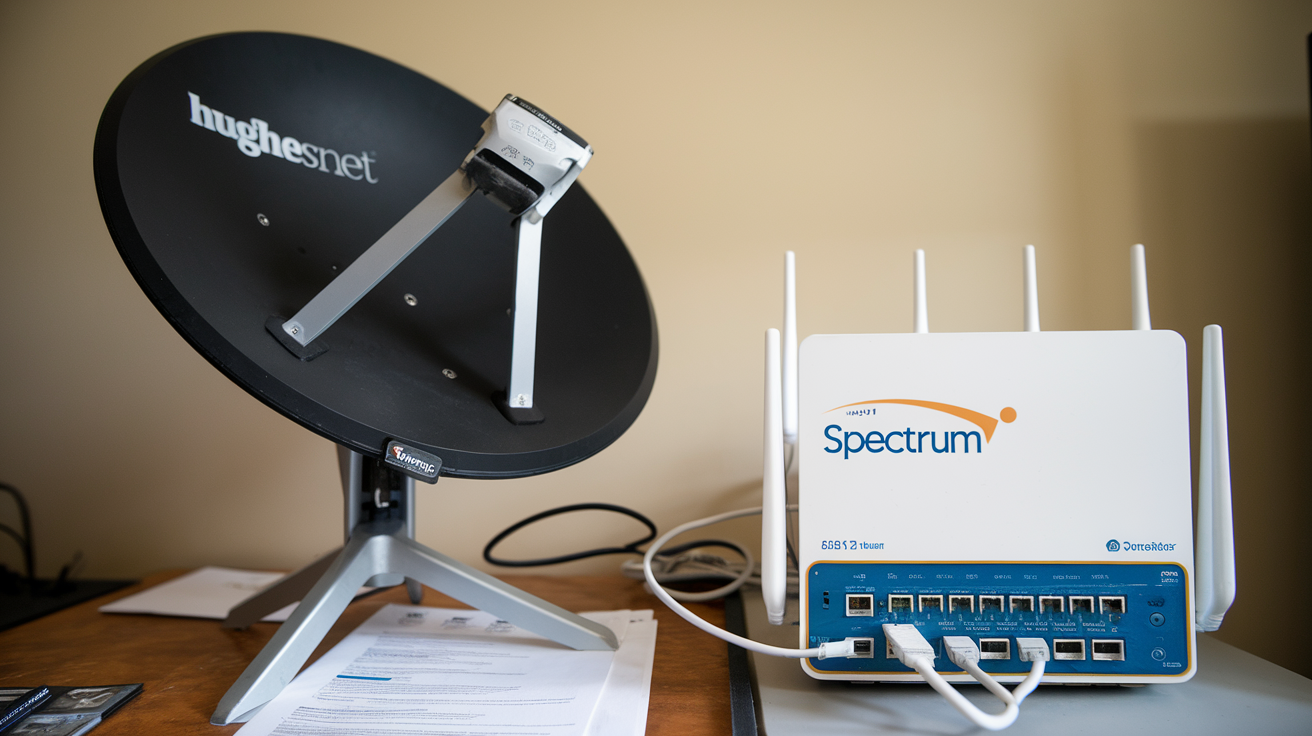
In most standard scenarios, yes, HughesNet typically charges an installation fee. This fee covers the cost of a professional technician visiting your home, assessing the optimal location for the satellite dish, mounting it securely, running cables, and configuring the modem and router for optimal performance. The exact amount can vary based on current promotions and specific circumstances, but it's a common practice for satellite internet providers to recoup some of the costs associated with a professional, on-site installation.
However, it's crucial to note that HughesNet frequently runs promotional offers that can significantly reduce or even waive this installation fee entirely. These promotions are often tied to new customer sign-ups and specific plan selections. Therefore, while a fee is generally anticipated, it's highly advisable to check for current deals when you are ready to subscribe. A quick call to their sales department or a review of their official website for the latest offers can clarify whether the installation fee is applicable at the time of your inquiry.
The installation fee is distinct from the monthly service cost and any potential equipment purchase or rental fees. It's a one-time charge for the service of getting your satellite internet up and running. Understanding this distinction is key to managing your overall expenditure on HughesNet services.
Factors Influencing Installation Costs
While the general answer to "Does HughesNet charge for installation?" is often yes, the precise cost is not a fixed number for everyone. Several factors can influence the final installation fee, making it essential to understand these variables before committing to a service plan. These factors range from the complexity of the installation itself to the availability of promotional discounts.
Standard Installation vs. Specialized Requirements
HughesNet defines a "standard installation" as one that can be completed within a reasonable timeframe and without encountering unusual obstacles. This typically involves mounting the satellite dish on a suitable surface (like a roof, wall, or pole) with clear, unobstructed access to the southern sky (for most North American installations). The technician will then run the necessary cables from the dish to your home's interior where the modem will be installed.
Specialized installation requirements, however, can lead to additional charges. These might include:
- Difficult mounting locations: If the ideal spot for the dish requires specialized mounting hardware, extensive scaffolding, or significant structural modifications to your home, extra costs may apply. For instance, if a pole mount needs to be installed in concrete, or if the roof requires reinforcement.
- Long cable runs: While technicians carry a standard amount of cable, exceptionally long runs from the dish to the modem location might incur charges for the extra cable needed.
- Complex wiring: If your home has unusual construction or requires specialized methods to route cables (e.g., through finished walls, difficult attics, or underground), this could also add to the cost.
- Multiple dwelling units (MDUs): Installing in apartment buildings or condominiums can sometimes be more complex due to shared infrastructure, landlord permissions, or specific building codes, potentially leading to higher installation fees.
- Unusual terrain: In cases where the installation site is on a steep incline, or requires significant landscaping to access, additional labor charges might be incurred.
HughesNet technicians are trained to assess these situations on-site. They will communicate any potential additional charges to you before proceeding with the installation if it deviates from the standard scope. It's always a good idea to discuss any potential complexities with the sales representative when you order service.
Equipment Costs and Rental Options
The installation fee is primarily for the labor and on-site service. However, the satellite equipment itself—the dish, LNB (low-noise block), and modem—is also a cost factor. HughesNet typically offers two primary models for their equipment:
- Leasing/Rental: In many cases, customers can lease the required equipment from HughesNet for a low monthly fee. This fee is added to your monthly bill and covers the use of the dish and modem. The advantage here is a lower upfront cost, as you don't purchase the equipment.
- Purchase: Some customers may opt to purchase the equipment outright. This is a significant upfront investment but eliminates the monthly equipment rental fee. The purchase price can be substantial, often several hundred dollars.
It's important to clarify with the sales representative whether the installation fee includes the cost of the equipment or if it's separate. Most often, the installation fee covers the setup of leased equipment. If you choose to purchase the equipment, the installation fee would still apply for the technician's labor, but you would avoid the monthly rental charge.
As of 2025-26, HughesNet's equipment leasing program generally offers a more accessible entry point for customers concerned about upfront costs. The monthly lease fee is typically in the range of $15-$20, but this can fluctuate with promotions. Purchasing the equipment outright might cost upwards of $400-$500, but this is a one-time cost.
Promotional Offers and Fee Waivers
HughesNet understands that installation fees can be a barrier for some potential customers. To encourage sign-ups and make their service more accessible, they frequently offer promotional deals. These promotions can take several forms:
- Waived Installation Fee: This is the most attractive offer, where HughesNet covers the entire installation cost. This is often available for new customers who sign up for specific, longer-term contracts (e.g., 24 months) or for particular service plans.
- Reduced Installation Fee: Instead of a full waiver, promotions might reduce the installation fee to a nominal amount, such as $49 or $99, down from a standard fee that could be $100-$200 or more.
- Bundled Offers: Sometimes, installation fee discounts are part of a larger bundle that might include a free modem or a discounted first few months of service.
These promotions are dynamic and change regularly. To get the most accurate information, it's essential to:
- Visit the official HughesNet website: Look for banners or sections detailing current offers for new subscribers.
- Speak directly with a HughesNet sales representative: They will have the most up-to-date information on available promotions and can confirm if you qualify for a waived or reduced installation fee based on your chosen plan and location.
- Inquire about contract terms: Often, fee waivers are contingent upon signing a minimum service agreement.
For example, a common promotion in 2025 might be "Free Professional Installation for new customers signing a 24-month agreement on the HughesNet Platinum plan." Always read the fine print associated with any promotional offer to understand the terms and conditions.
What to Expect During HughesNet Installation
Once you've decided to proceed with HughesNet and have clarified any installation fee questions, the next step is understanding the installation process itself. This involves scheduling, the technician's visit, and post-installation checks. Knowing what to expect can make the experience smoother and more efficient.
Scheduling Your Installation
After you finalize your service agreement with HughesNet, the company will coordinate with their authorized third-party installers in your area to schedule your installation appointment. The process typically involves:
- Initial Contact: You will usually receive a call or email from HughesNet or their installation partner within a few business days of signing up.
- Availability Check: During this contact, you'll be asked about your availability. Installers typically work during standard business hours, Monday through Saturday, though specific hours can vary by region.
- Appointment Confirmation: You'll be offered available appointment slots. It's wise to have a few dates and times in mind that work for you. Installation appointments can sometimes book up weeks in advance, especially in high-demand areas or during peak seasons.
- Preparation Advice: The scheduling representative may provide some basic advice on preparing for the installation, such as ensuring clear access to the intended dish location and the interior where the modem will be placed.
- Appointment Window: You'll typically receive an appointment window (e.g., between 9 AM and 1 PM). While installers strive to arrive within this window, unforeseen circumstances can cause delays. It's often recommended to have the installer call you when they are en route.
Be sure to confirm the installation date and time, and note down any confirmation numbers or contact details for the installer.
The Installation Process: Step-by-Step
On the scheduled day, a certified HughesNet technician will arrive at your home. The entire process typically takes between 2 to 4 hours, depending on the complexity of the installation.
- Site Survey and Dish Placement: The technician will first assess your property to determine the best location for the satellite dish. This location must have a clear, unobstructed view of the southern sky (or the specific satellite's orbital path). They will discuss the optimal placement with you, considering aesthetics, accessibility for maintenance, and signal strength. Common mounting locations include the roof, a side wall, or a dedicated pole in the yard.
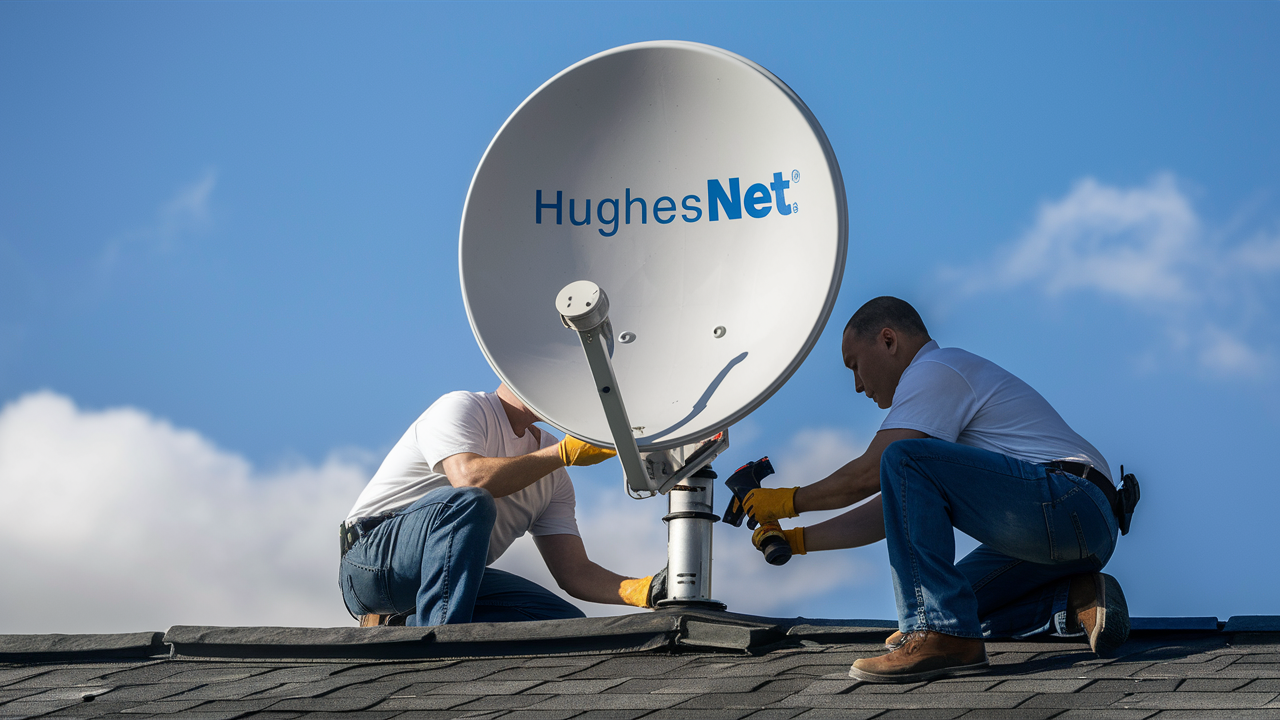
- Dish Mounting: Once a location is agreed upon, the technician will securely mount the satellite dish. This involves drilling holes for mounting brackets and ensuring the dish is firmly attached to withstand weather conditions.
- Cable Routing: The technician will then run the coaxial cable from the satellite dish to the interior of your home. They will aim to route the cable discreetly, often through a small hole drilled through an exterior wall, and then conceal it along baseboards or within wall cavities where possible.
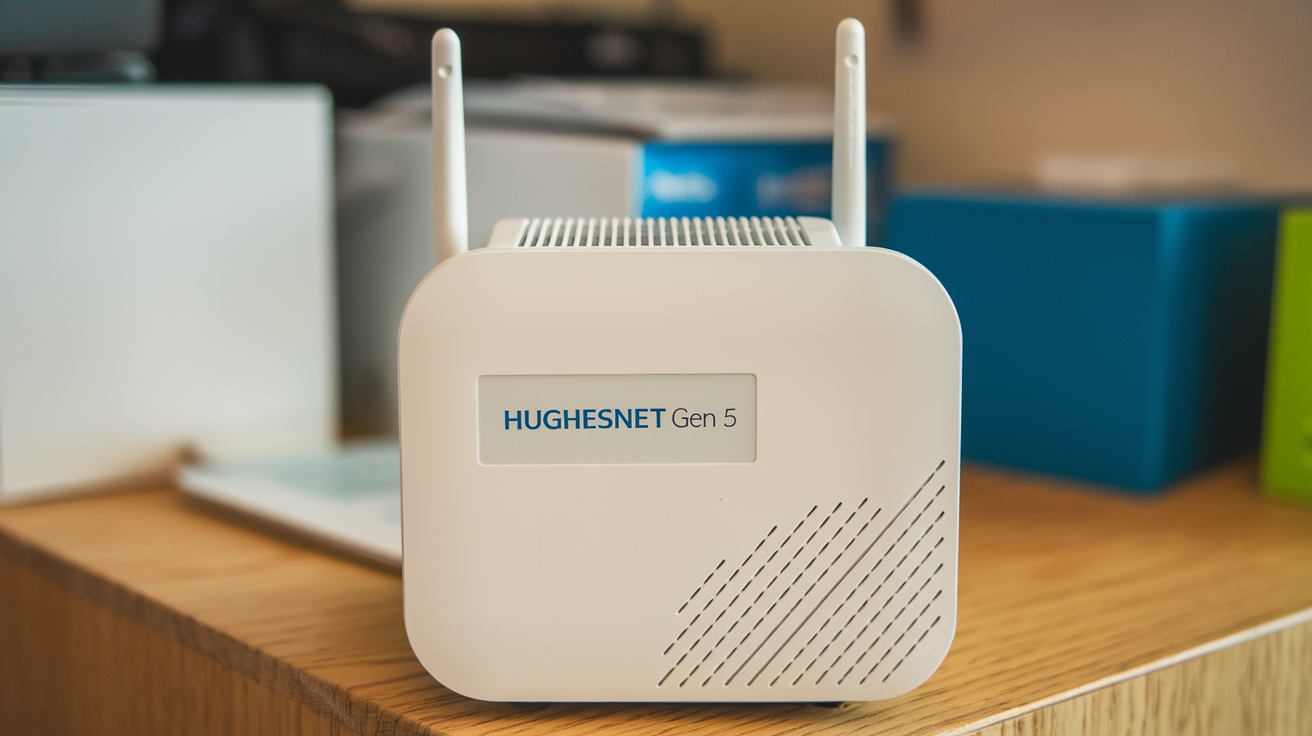
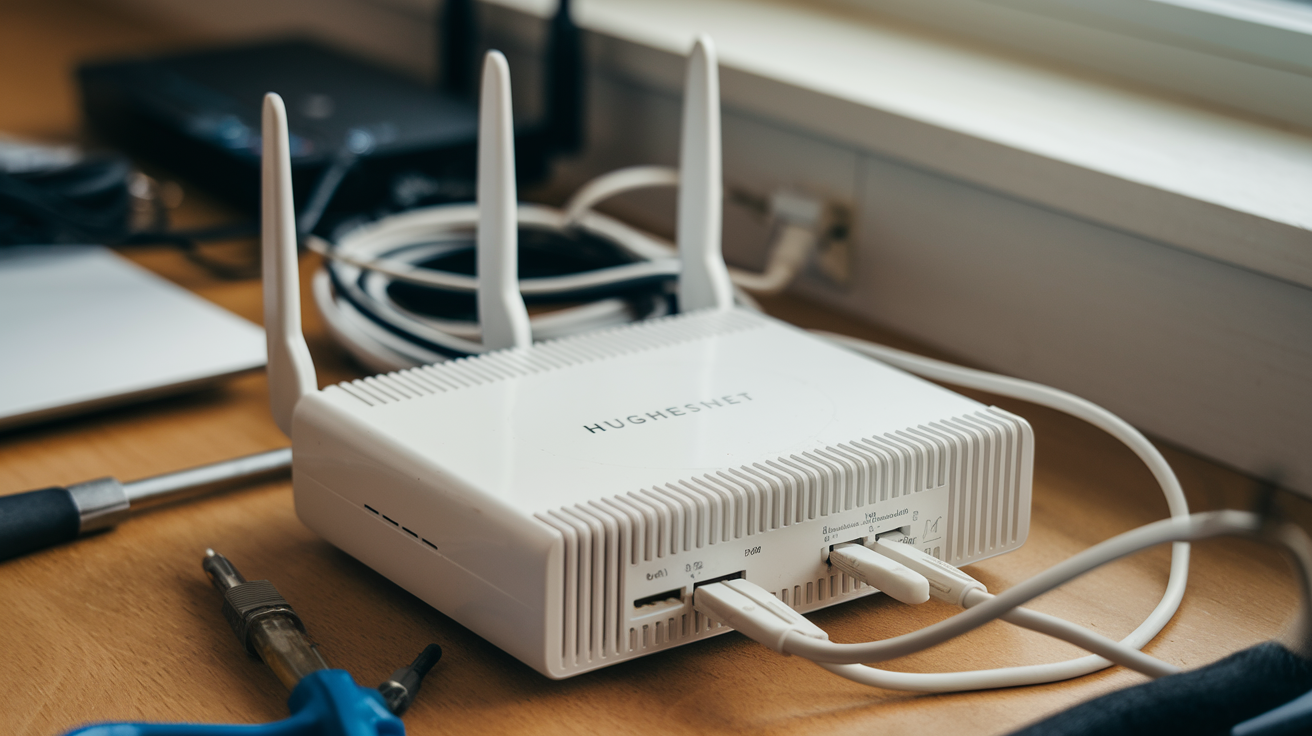
- Modem and Router Setup: Inside your home, the technician will connect the cable to the HughesNet modem. If you are using a separate Wi-Fi router (either provided by HughesNet or your own), they will connect the modem to the router.
- System Activation and Testing: The technician will power up the equipment and initiate the activation process with HughesNet's network. This involves aligning the dish precisely to communicate with the satellite. They will then perform speed tests and signal strength checks to ensure everything is functioning optimally.
- Wi-Fi Network Configuration: If a HughesNet Wi-Fi router is used, the technician will help you set up your Wi-Fi network name (SSID) and password. They can also offer basic guidance on connecting your devices.
- Demonstration and Q&A: Before leaving, the technician will demonstrate how the service works, show you how to check your data usage (via the MyHughesNet portal or app), and answer any questions you may have about your new internet service.
It's important to be present during the entire installation process to approve the dish location, cable routing, and to ask any questions that arise.
Post-Installation Checks and Support
After the technician leaves, your HughesNet service should be operational. However, there are a few post-installation steps and resources available:
- Test Your Connection: Try browsing websites, streaming a video, or downloading a small file to confirm the internet is working as expected.
- MyHughesNet Portal/App: Familiarize yourself with the MyHughesNet portal or mobile app. This is your primary tool for monitoring your data usage, checking your bill, managing your account, and accessing support resources. Understanding your data allowance is critical with satellite internet.
- Troubleshooting: If you encounter any immediate issues, contact HughesNet customer support. They can often diagnose problems remotely. The technician should have provided you with a support contact number.
- Equipment Warranty: If you are leasing equipment, it is typically covered under warranty. If it malfunctions, HughesNet will arrange for a replacement and often a service call. If you purchased the equipment, check the warranty terms.
- Future Service Calls: If you experience persistent issues or need to relocate your dish (e.g., due to renovations or tree growth obstructing the signal), you will likely need to schedule another service call, which may incur additional charges depending on the circumstances and your service agreement.
For any issues that arise, reaching out to HughesNet's customer service promptly is the best course of action. They are equipped to handle technical support and service requests.
Comparing HughesNet Installation with Competitors (2025-26)
When evaluating internet service providers, understanding not just the monthly costs but also the upfront expenses like installation fees is crucial. HughesNet, as a leading satellite internet provider, has a specific installation model. Comparing this to other internet technologies available in 2025-26 provides valuable context for consumers, especially those in rural or underserved areas where HughesNet is often the primary or only option.
Satellite Internet Installation Cost Overview
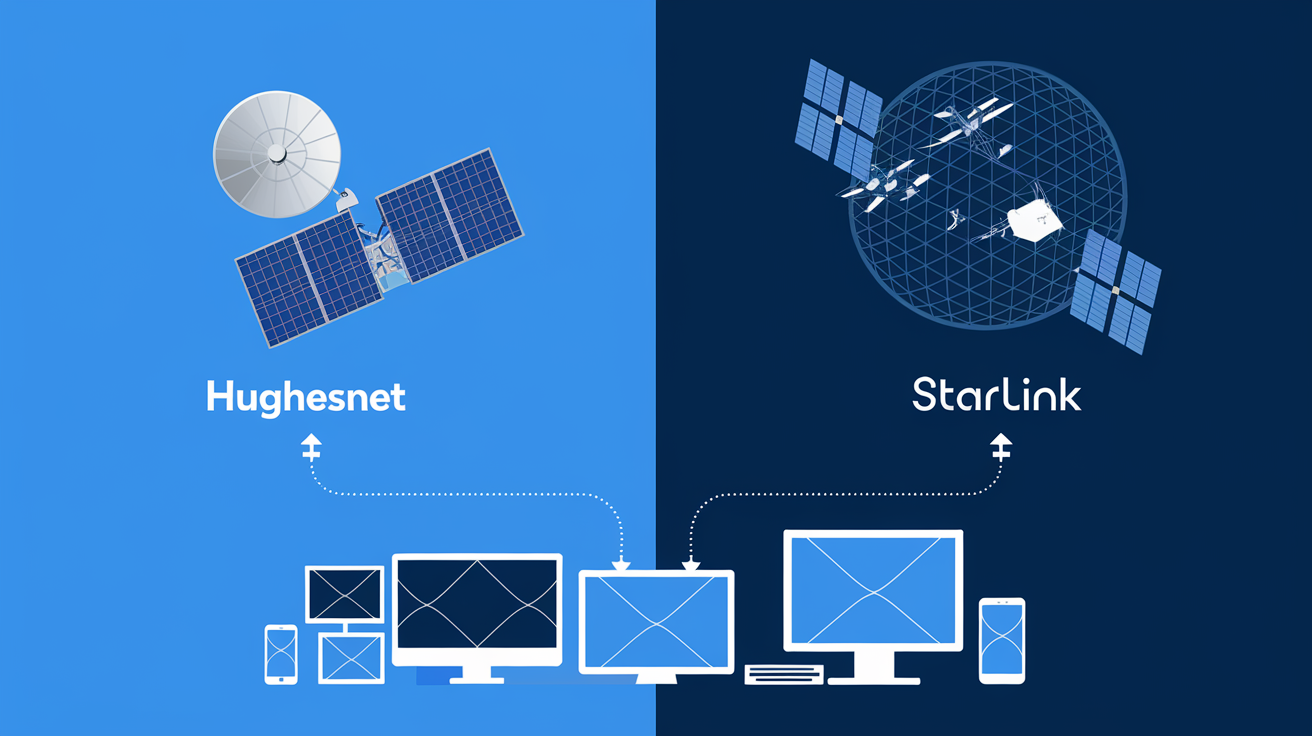
HughesNet's installation fee structure is fairly typical for the satellite internet industry. Providers like Starlink (Elon Musk's satellite internet service) also involve a significant upfront hardware cost, which includes the dish and other necessary components. While Starlink doesn't typically charge a separate "installation fee" in the same way HughesNet does for technician labor, the cost of the hardware itself is substantial. As of 2025-26, Starlink's hardware kit can cost several hundred dollars ($500-$600 or more), and this is a mandatory purchase.
In contrast, HughesNet often offers a leasing option for its equipment, which lowers the initial outlay. The installation fee then covers the professional service to set up this leased equipment. If HughesNet has promotions waiving the installation fee, the initial cost can be very low, potentially lower than purchasing Starlink hardware outright. However, if the installation is complex or no promotions are active, the HughesNet installation fee can range from $100 to $200, plus the monthly equipment lease cost.
Key comparison points for satellite installation:
- HughesNet: Often has a separate installation fee (can be waived with promotions), with an option to lease equipment monthly. Lower upfront cost if promotions are active.
- Starlink: Requires purchasing expensive hardware upfront, but no separate labor installation fee for self-installation (professional installation is an option at extra cost). Higher upfront cost.
For consumers in areas with limited choices, the decision often hinges on whether they prefer a lower upfront cost with potential monthly equipment fees (HughesNet) or a higher upfront hardware purchase with no monthly equipment fee (Starlink, after initial purchase). Both require professional installation or self-installation of specialized equipment.
Fiber Optic and Cable Installation Considerations
Fiber optic and cable internet, where available, often present a different installation cost landscape. These technologies are generally more common in urban and suburban areas.
- Fiber Optic: Installation can sometimes involve a fee, ranging from $50 to $100, or it might be free with promotional offers. In many cases, if fiber lines are already run to the building, the installation is relatively straightforward, involving connecting a modem/router. Some providers may offer free installation to attract new customers.
- Cable Internet: Similar to fiber, cable internet installation fees can vary. They might range from $0 to $99. Often, if the coaxial cable outlet is already present in the home, the setup is simple and may not require a technician visit (self-installation kits are common). If a new drop cable needs to be run from the street, or if outlets need to be installed, a technician visit is required, and a fee may apply.
Key differences for terrestrial internet installation:
- Availability: Fiber and cable are not universally available, especially in rural areas.
- Technology: Installation involves connecting to existing infrastructure (underground or aerial cables) rather than a satellite dish.
- Self-Installation: Often, cable and fiber providers offer self-installation options, which can eliminate the installation fee entirely if the necessary infrastructure is already in place.
- Speed and Latency: Fiber and cable generally offer significantly higher speeds and lower latency than satellite internet, which is a major factor for many users.
For HughesNet, the installation fee is directly tied to the specialized nature of satellite technology and the need for precise alignment of equipment. While terrestrial providers might offer more frequent free installation promotions due to simpler setups and wider availability, HughesNet's fees are a necessary part of deploying their unique service. Consumers in areas without terrestrial options will find that HughesNet's installation costs, especially when waived, can make satellite internet a viable, albeit different, choice.
Maximizing Your HughesNet Investment: Tips
Once you've navigated the installation process and are set up with HughesNet, making the most of your service is key. Satellite internet, while a lifeline for many, comes with specific characteristics like data caps and higher latency compared to terrestrial options. Here are some tips to ensure you're getting the best value and experience from your HughesNet investment.
Understanding Your Contract
The first step to maximizing your investment is to fully comprehend the terms of your HughesNet service agreement. This is especially important if you benefited from a waived or reduced installation fee, as these often come with contract stipulations.
- Contract Length: Most HughesNet plans require a 24-month commitment. Early termination fees (ETFs) can be substantial if you cancel before the contract ends. Factor this into your long-term budgeting.
- Data Allowances: Familiarize yourself with your plan's data cap. HughesNet plans typically have a certain amount of high-speed data per month. Once this is used, speeds may be reduced for the remainder of the billing cycle, or you may incur overage charges depending on your specific plan details.
- Equipment Lease Fees: If you are leasing your equipment, ensure you understand the monthly cost and how it impacts your total bill.
- Promotional Period: Note if your monthly rate is introductory and will increase after a certain period. Plan for these potential price changes.
- Service Limitations: Understand the implications of latency on certain activities like online gaming or video conferencing.
By being aware of these contract details, you can avoid unexpected costs and manage your service expectations realistically.
Choosing the Right Plan
HughesNet offers various plans, each with different data allowances, speeds, and pricing. Selecting the plan that best fits your household's internet usage is crucial for both cost-effectiveness and satisfaction.
- Assess Your Usage: Consider how many people will be using the internet, what activities they will be doing (browsing, streaming, downloading, gaming), and the number of devices connected.
- Prioritize Data: If your household consumes a lot of data, opt for a plan with a higher data allowance. It's often more cost-effective to pay for a larger data package than to incur overage charges or deal with significantly reduced speeds.
- Consider Speed Needs: While satellite internet inherently has higher latency, the download and upload speeds can vary between plans. For basic browsing and email, lower speeds might suffice. For streaming video or more demanding tasks, a faster plan is recommended.
- Review Plan Features: Some plans might include bonus data during off-peak hours, which can be beneficial for large downloads or software updates.
HughesNet's sales representatives can help you determine the best plan for your needs. It's better to overestimate your needs slightly than to consistently run into data limitations.
Optimizing Your Home Network
Even with a robust HughesNet connection, optimizing your home network can significantly improve your internet experience.
- Position Your Router: Place your Wi-Fi router in a central, open location in your home, away from obstructions like thick walls, metal objects, or appliances that can cause interference (e.g., microwaves).
- Secure Your Wi-Fi: Use a strong, unique password for your Wi-Fi network to prevent unauthorized access, which can consume your data allowance and slow down your connection.
- Limit Simultaneous High-Bandwidth Activities: If your data allowance is a concern, try to avoid multiple users streaming HD video or downloading large files simultaneously.
- Utilize Off-Peak Data: If your plan offers bonus data during certain hours (e.g., 2 AM to 8 AM), schedule large downloads, software updates, or backups for these times.
- Manage Connected Devices: Regularly review the devices connected to your network and disconnect any that are not in use.
- Consider a Wi-Fi Extender: If you have a large home or dead zones, a Wi-Fi extender or mesh network system can help improve signal coverage, though it won't increase your overall data allowance or bypass latency.
- Monitor Data Usage: Regularly check your data usage through the MyHughesNet portal or app to stay within your allowance.
By implementing these optimization strategies, you can ensure that your HughesNet service performs at its best and meets your household's needs efficiently, making your investment more worthwhile.
Conclusion: Your HughesNet Installation Clarified
To definitively answer the question, "Does HughesNet charge for installation?" the general response is yes, a standard installation fee typically applies. This fee covers the essential professional service required to set up your satellite dish and modem. However, HughesNet frequently offers compelling promotions, especially for new customers, that can waive this installation fee entirely or reduce it significantly. Therefore, the actual cost you incur can range from zero to a moderate one-time charge, heavily influenced by current offers and your chosen service plan.
Beyond the fee itself, understanding the factors that can influence costs—such as specialized installation needs—and the distinction between installation fees and equipment costs (leasing vs. purchasing) is vital. The installation process is a professional, multi-hour service designed to ensure optimal signal reception. By scheduling strategically, being present during the setup, and utilizing post-installation support and tools like the MyHughesNet portal, you can maximize your service experience.
When comparing HughesNet's installation model to competitors like Starlink, fiber, or cable, it's clear that satellite internet has unique upfront costs. HughesNet's leasing option and frequent promotions often make its initial investment more accessible, particularly for those in areas lacking terrestrial broadband options. By carefully reviewing your contract, choosing the right plan, and optimizing your home network, you can ensure your HughesNet service provides reliable connectivity and a valuable investment for your home or business.