-
Posted on: 07 Jan 2026
-
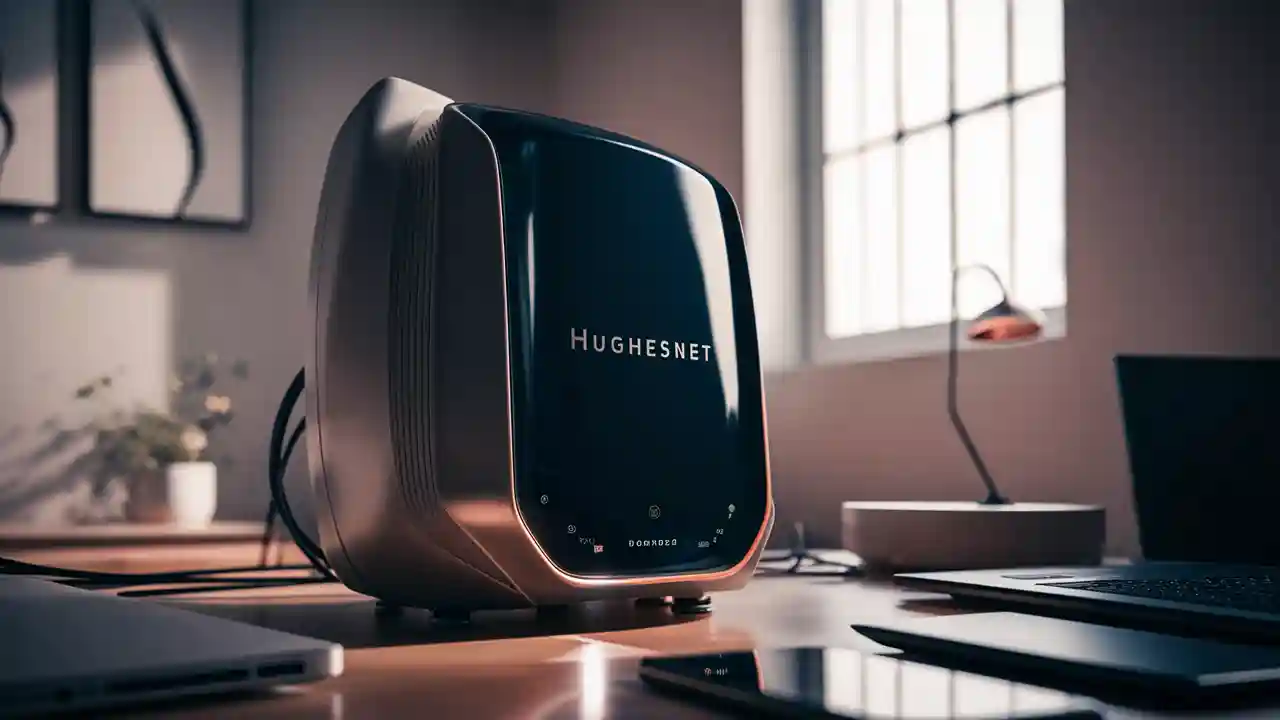
Yes, Hughesnet generally provides a satellite modem and a Wi-Fi router as part of their standard equipment lease for new subscribers. This integrated solution ensures you have everything needed to connect your home to the internet. Understanding what's included and how it works is crucial for maximizing your Hughesnet experience.
Understanding Hughesnet Equipment: The Modem and Router
When you sign up for Hughesnet satellite internet service, a critical component of your home network setup is the equipment provided by the company. This equipment is designed to facilitate the connection between your home and the Hughesnet satellite, which in turn connects to the internet backbone. For most new subscribers, this package includes a satellite modem and a Wi-Fi router. It's important to distinguish between these two devices, as they serve distinct but complementary functions.
The satellite modem is the device that directly communicates with the Hughesnet satellite in orbit. It's responsible for receiving the satellite signal and converting it into a format that your home network can understand. Conversely, the Wi-Fi router's primary role is to create a wireless network within your home, allowing your devices (laptops, smartphones, tablets, smart TVs, etc.) to connect to the internet wirelessly. It also typically includes Ethernet ports for wired connections.
Hughesnet aims to simplify the initial setup process for its customers. By providing both the modem and a router, they ensure that users have a functional internet connection without needing to purchase separate networking hardware immediately after installation. This bundled approach is a common practice in the satellite internet industry, where specialized equipment is often required for optimal performance.
The modem, often referred to as the satellite receiver or indoor unit, is the gateway to the Hughesnet network. It's typically installed by a professional technician, ensuring proper alignment with the satellite dish. The router then connects to this modem, either via an Ethernet cable or as an integrated unit, to broadcast the internet signal throughout your home. Understanding this distinction is the first step in managing your Hughesnet service effectively.
Does Hughesnet Provide a Router Directly?
The direct answer to "Does Hughesnet provide a router?" is generally yes. For most new Hughesnet customers signing up for a standard service plan, the company includes a Wi-Fi router as part of the equipment lease. This router is designed to work seamlessly with the Hughesnet satellite modem and dish system, providing wireless internet access throughout your home.
Hughesnet's standard equipment package typically consists of:
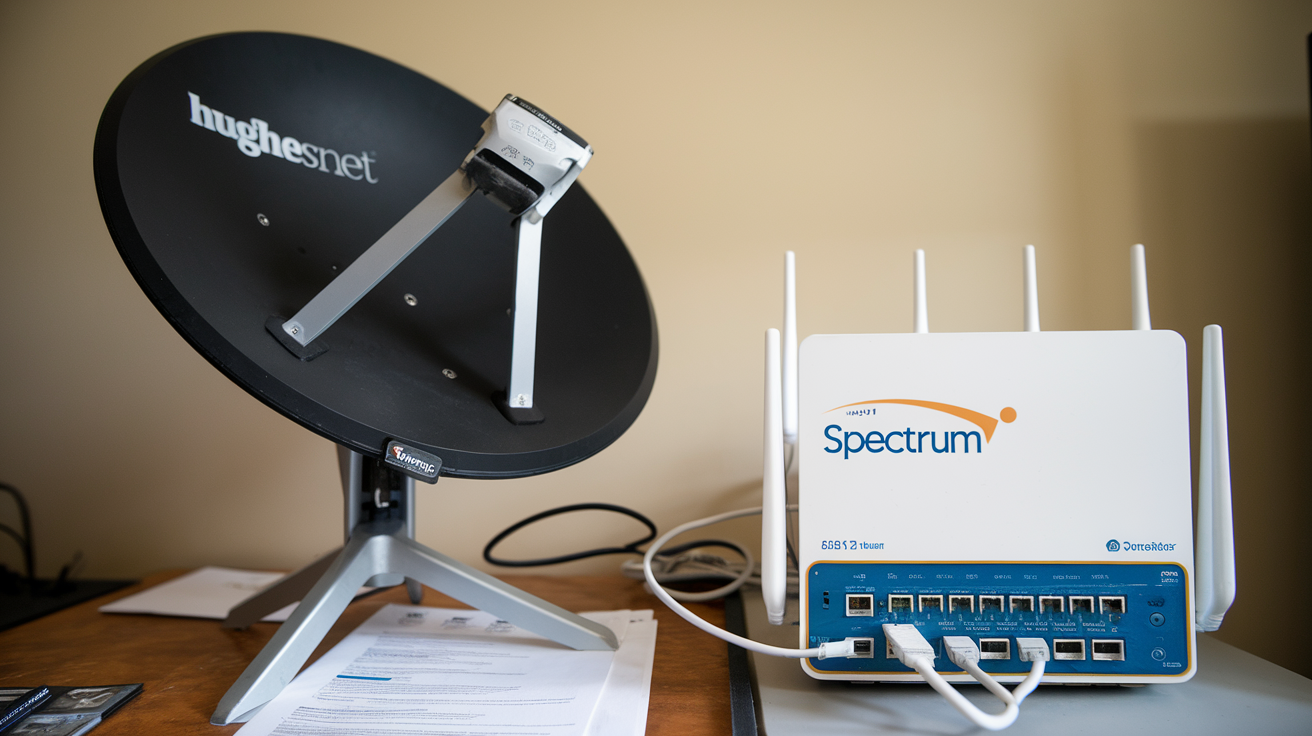
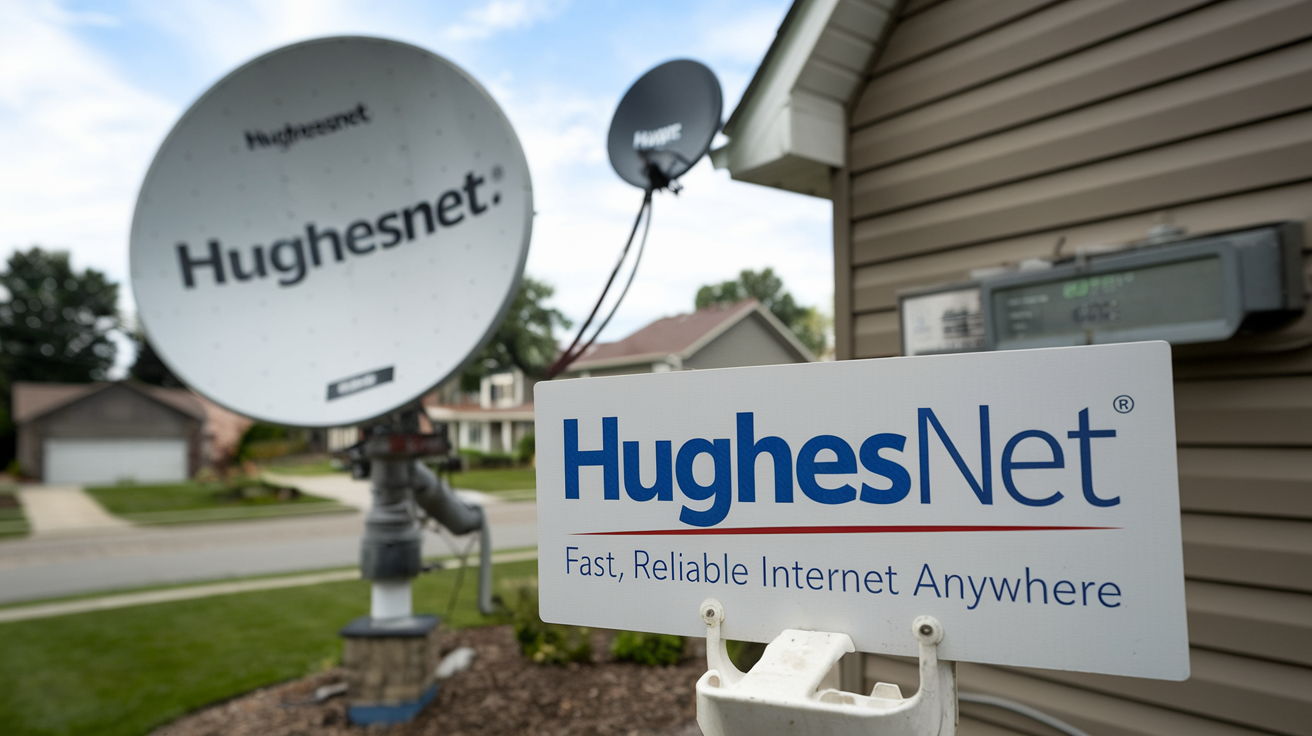
- A satellite dish (installed outdoors).
- A satellite modem (installed indoors, connected to the dish).
- A Wi-Fi router (connected to the modem, broadcasting the wireless signal).
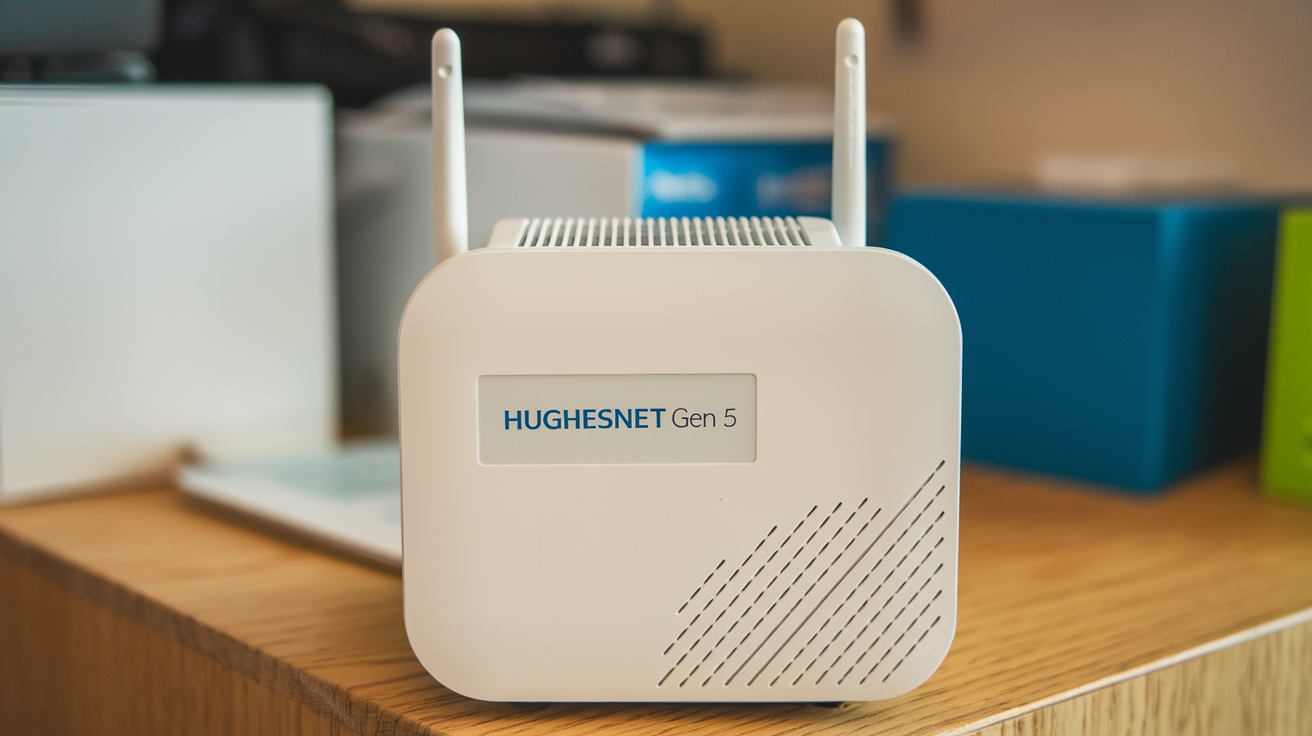
In many cases, the modem and router are separate devices, connected by an Ethernet cable. However, Hughesnet has also utilized integrated modem-router combo units in the past and may continue to do so depending on the specific equipment available at the time of installation and the service plan chosen. The primary goal is to provide a complete, out-of-the-box solution for internet connectivity.
It's important to note that the equipment provided by Hughesnet is typically leased, not purchased. This means that the hardware remains the property of Hughesnet, and you are responsible for its care. If you cancel your service, you will generally be required to return the leased equipment to avoid additional charges. This leasing model is common among satellite internet providers, as the specialized nature of the equipment can make it expensive for individual purchase.
For customers who might have specific networking needs or preferences, Hughesnet does allow the use of third-party routers. However, if you choose to use your own router, you will still need to use the Hughesnet-provided modem. The Hughesnet router is often configured to work optimally with their network, and using a third-party router might require some technical know-how to set up correctly. If you're unsure about whether a router is included with your specific plan or if you have questions about using your own equipment, it's always best to consult directly with Hughesnet customer service or review the terms of your service agreement.
The Hughesnet Modem-Router Combo: What to Expect
While Hughesnet often provides separate modem and router units, some service plans or older installations might involve a modem-router combo device. This integrated unit combines the functionality of both the satellite modem and the Wi-Fi router into a single piece of hardware. This can simplify installation and reduce the number of cables and devices in your home.
Key aspects of a Hughesnet modem-router combo include:
- Integrated Functionality: The combo unit handles both the reception of the satellite signal and the creation of your home Wi-Fi network. This means fewer devices to manage and potentially a cleaner setup.
- Simplified Setup: With a single device, the initial setup process can be more straightforward. A technician will typically install the satellite dish and connect it to the combo unit, then configure the wireless network.
- Performance: The performance of a combo unit is generally designed to be adequate for typical home internet use. However, like any integrated device, it might not offer the same level of customization or advanced features as separate, high-end modems and routers.
- Management: You'll manage your Wi-Fi network settings (like network name and password) through the interface of this single combo device.
- Leased Equipment: As with separate units, the modem-router combo is typically leased from Hughesnet. You'll need to return it if you cancel your service.
What to look for in a Hughesnet combo unit (if applicable):
- Wi-Fi Standards: Check the supported Wi-Fi standards (e.g., Wi-Fi 4, Wi-Fi 5, Wi-Fi 6). Newer standards offer better speed and performance, though satellite internet speeds themselves are often the primary bottleneck.
- Ethernet Ports: Ensure it has enough Ethernet ports for any wired devices you plan to connect.
- Security Features: Look for built-in security features like WPA2/WPA3 encryption to protect your wireless network.
If you are unsure whether your Hughesnet installation includes a combo unit or separate devices, you can usually find this information in your service agreement or by contacting Hughesnet customer support. Understanding your specific equipment setup is vital for effective troubleshooting and network optimization. For instance, if you experience Wi-Fi issues, knowing whether you have a combo unit or separate modem and router helps narrow down potential causes.
In 2025-26, Hughesnet continues to evolve its equipment offerings to improve customer experience. While the exact models may vary, the trend is towards providing reliable, easy-to-use solutions that get users online quickly. The modem-router combo, when provided, is a testament to this goal of simplifying the user's journey into satellite internet.
Equipment Options and Considerations
When you subscribe to Hughesnet, the equipment provided is a critical factor in your internet experience. While Hughesnet generally includes a modem and a Wi-Fi router, understanding the nuances of these options and considering your specific needs can lead to a more optimized setup.
Leased Equipment vs. Owned Equipment:
As mentioned, Hughesnet equipment is typically leased. This means you pay a monthly fee for the use of the satellite dish, modem, and router. The advantage is that Hughesnet handles maintenance and replacement if the equipment malfunctions due to normal wear and tear. The disadvantage is that you don't own the hardware, and you must return it upon service termination.
Hughesnet's Provided Router:
The router provided by Hughesnet is usually a standard model designed to be compatible with their satellite modem and network. It's sufficient for basic internet tasks like browsing, email, and standard-definition streaming. For users with high demands, such as extensive online gaming, multiple simultaneous high-definition streams, or large file downloads, the provided router might be a limiting factor. In such cases, users often consider upgrading to a more powerful, third-party router.
Using Your Own Router:
Hughesnet permits customers to use their own Wi-Fi routers. This is a popular option for those who want:
- Better Performance: High-end routers offer faster Wi-Fi speeds, wider coverage areas, and more advanced features like Quality of Service (QoS) settings to prioritize traffic.
- More Control: Third-party routers often provide more granular control over network settings, parental controls, and guest networks.
- Specific Features: Users might need routers with specific features like mesh networking capabilities for larger homes or advanced security protocols.
Important Note: If you choose to use your own router, you must still use the Hughesnet-provided satellite modem. The modem is the device that connects to the Hughesnet satellite and is essential for receiving the internet signal. Your personal router will then connect to this modem via an Ethernet cable.
Installation and Setup:
Hughesnet professional installation is mandatory for new subscribers. A certified technician will install the satellite dish, connect the modem, and set up the initial network. If you're using your own router, the technician can often help with the basic connection to the modem, but configuring advanced settings will likely be your responsibility.
Factors to Consider When Choosing a Router (if upgrading):
- Wi-Fi Standard: Look for Wi-Fi 5 (802.11ac) or Wi-Fi 6 (802.11ax) for the best performance.
- Speed Rating: While satellite internet speeds are capped, a faster router can improve local network performance and responsiveness.
- Coverage Area: Consider the size of your home. For larger homes, a single router might not be enough, and a mesh Wi-Fi system could be a better solution.
- Number of Ethernet Ports: Ensure it has enough ports for your wired devices.
- Dual-Band or Tri-Band: These offer better traffic management by separating devices onto different frequency bands.
Statistics for 2025-26:
As of 2025-26, the average home in the United States has approximately 25 connected devices. This number is projected to grow, emphasizing the need for robust home networking. While Hughesnet's provided router is adequate for many, the increasing number of smart home devices and media consumption means that performance demands are rising. This makes the option of using a personal, more capable router increasingly attractive for power users.
For example, a family with multiple smartphones, tablets, smart TVs, gaming consoles, and smart home devices might find the default Hughesnet router struggles to provide a consistent experience for all devices simultaneously. Upgrading to a router capable of handling more devices and offering better Wi-Fi signal strength can significantly improve overall satisfaction with the internet service, even within the constraints of satellite internet speeds.
Optimizing Your Hughesnet Wi-Fi Network
Once you have your Hughesnet internet service up and running, with either the provided router or your own, optimizing your Wi-Fi network is key to getting the best possible experience. Satellite internet, by its nature, has inherent latency and speed limitations, but a well-configured Wi-Fi network can mitigate some of these issues and ensure a smoother connection for your devices.
1. Router Placement:
This is arguably the most crucial step. The Wi-Fi signal weakens with distance and obstructions. For optimal coverage:
- Central Location: Place your router in a central location in your home, away from exterior walls.
- Elevated Position: Mount the router on a shelf or table, rather than on the floor.
- Avoid Obstructions: Keep the router away from thick walls, metal objects, large appliances (like microwaves or refrigerators), and mirrors, which can interfere with the signal.
- Minimize Interference: Other electronic devices, such as cordless phones, Bluetooth devices, and even some baby monitors, can cause interference. Try to keep them at a distance from your router.
2. Router Settings (if using your own or advanced Hughesnet router):
If you have access to your router's administrative interface, you can make several adjustments:
- Change Wi-Fi Channel: Routers broadcast on specific channels. If many networks in your area are using the same channel, it can lead to congestion. Use a Wi-Fi analyzer app (available for smartphones) to find the least congested channel and switch your router to it. For 2.4GHz bands, channels 1, 6, and 11 are generally recommended as they don't overlap.
- Utilize the 5GHz Band: Most modern routers are dual-band (2.4GHz and 5GHz). The 5GHz band offers faster speeds and less interference but has a shorter range. Use it for devices that are closer to the router and require higher bandwidth. The 2.4GHz band has a longer range and is better for devices further away or those that don't require high speeds.
- Update Router Firmware: Manufacturers regularly release firmware updates to improve performance, security, and fix bugs. Check your router's settings for an update option.
- Network Name (SSID) and Password: Ensure you have a strong, unique password for your Wi-Fi network to prevent unauthorized access. Consider changing the default SSID to something unique.
3. Wired Connections:
For devices that are stationary and require the most stable connection (e.g., desktop computers, smart TVs, gaming consoles), using an Ethernet cable directly from the router to the device is always preferable. This bypasses potential Wi-Fi interference and provides the most reliable connection. Even with satellite internet, a wired connection can feel more responsive.
4. Quality of Service (QoS):
If your router supports QoS, you can prioritize certain types of traffic or specific devices. For example, you could prioritize video streaming or video conferencing over less time-sensitive activities like background downloads. This can be particularly useful with satellite internet to ensure critical applications have the bandwidth they need.
5. Mesh Wi-Fi Systems:
For larger homes or those with dead spots, a mesh Wi-Fi system can be a game-changer. These systems consist of a main router and one or more satellite "nodes" that work together to create a single, seamless Wi-Fi network throughout your home. This provides better coverage and more consistent speeds than a single router.
6. Device Management:
Be mindful of how many devices are actively using the internet simultaneously. With Hughesnet's data caps (though newer plans are more generous), excessive background activity from multiple devices can quickly consume your allowance. Regularly check which devices are connected and disconnect any that are not in use.
Current Trends (2025-26):
The proliferation of smart home devices continues. By 2026, the average household is expected to have over 50 connected devices. This trend highlights the increasing importance of a robust Wi-Fi network. While Hughesnet's satellite technology provides the internet connection, the user's Wi-Fi setup plays a significant role in the perceived speed and reliability of that connection within the home. Investing time in optimizing your Wi-Fi can make a tangible difference in your daily online experience.
For instance, if you're experiencing choppy video calls, it might not be the Hughesnet speed itself, but rather Wi-Fi interference or a weak signal reaching your device. Adjusting router placement or switching to a less congested channel could resolve the issue. Similarly, if multiple users are trying to stream HD content, ensuring they are on the 5GHz band (if close enough) and that the router is centrally located can improve buffering times.
Troubleshooting Common Router Issues
Even with a well-configured network, you might encounter occasional issues with your Hughesnet router (whether it's the one provided by Hughesnet or your own). Knowing how to troubleshoot common problems can save you time and frustration.
1. No Internet Connection:
- Check Lights: Look at the indicator lights on your modem and router. Consult your device's manual to understand what each light signifies (e.g., power, internet, Wi-Fi). If the internet light is off or red, there might be an issue with the connection to Hughesnet's network.
- Restart Devices: The most common fix for many connectivity issues is a simple power cycle. Turn off both your modem and router, wait for about 30 seconds, then turn them back on, starting with the modem. Wait for the modem to fully boot up before turning on the router.
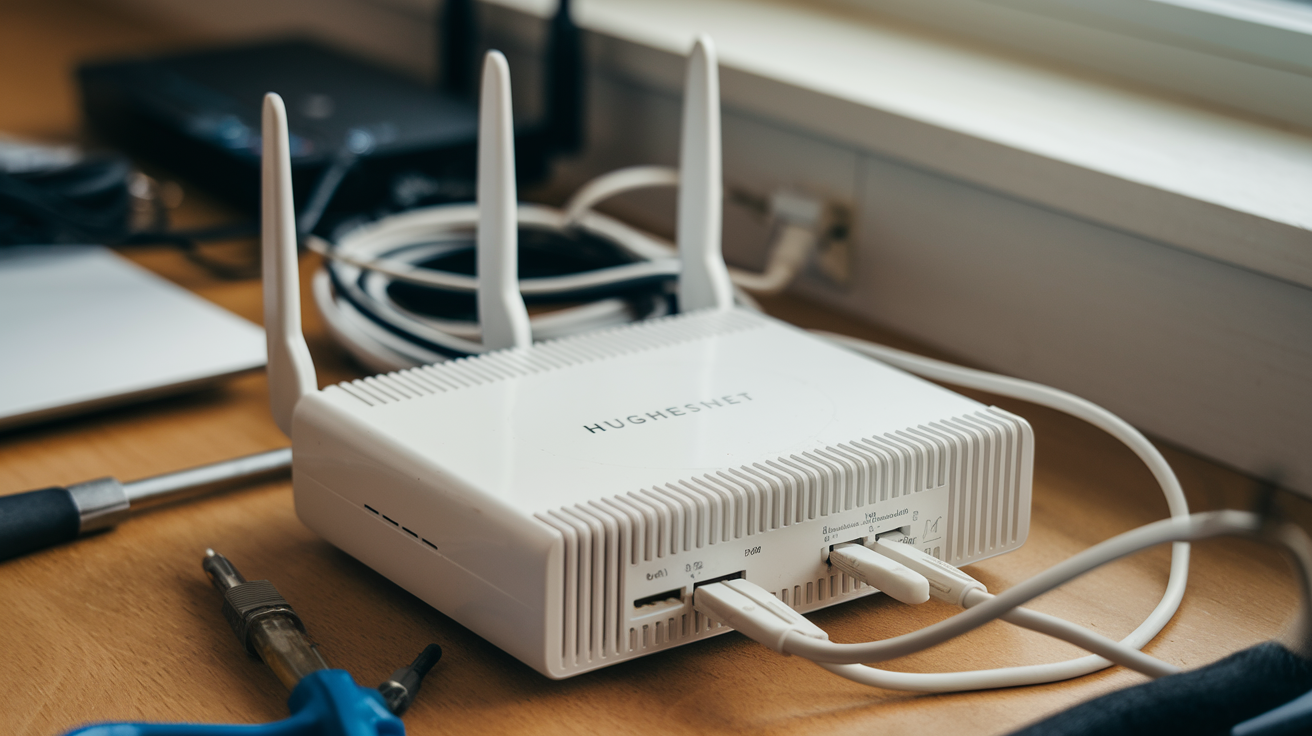
- Check Cables: Ensure all Ethernet cables are securely plugged into the correct ports on both the modem and the router, and that they are not damaged.
- Test with a Wired Connection: Connect a computer directly to the router using an Ethernet cable. If you get internet access this way, the issue is likely with your Wi-Fi signal or settings. If you still have no internet, the problem might be with the router itself or the modem.
- Hughesnet Service Status: Check if there are any reported outages in your area by visiting the Hughesnet website or contacting their customer support.
2. Slow Internet Speeds:
- Speed Test: Run an internet speed test (e.g., Ookla Speedtest) from a device connected via Ethernet to get an accurate reading. Compare this to your plan's advertised speeds. Remember that satellite internet has inherent latency, so ping times will be higher than terrestrial broadband.
- Too Many Devices: If many devices are actively using the internet, speeds can decrease. Try disconnecting some devices to see if performance improves.
- Router Placement: As discussed earlier, poor router placement can lead to weak Wi-Fi signals and slower speeds in certain areas of your home.
- Interference: Other electronic devices or neighboring Wi-Fi networks can cause interference. Try changing your Wi-Fi channel.
- Data Caps: If you've exceeded your high-speed data allowance on a Hughesnet plan with data limits, your speeds will be throttled. Check your data usage through your Hughesnet account.
- Router Overload: Older or less powerful routers may struggle to handle high traffic loads. Consider upgrading your router if it's several years old.
3. Wi-Fi Signal is Weak or Unreliable:
- Router Location: Move the router to a more central and open location.
- Restart Router: A simple restart can often resolve temporary glitches affecting the Wi-Fi signal.
- Check for Interference: Identify and move potential sources of interference.
- Update Firmware: Ensure your router's firmware is up to date.
- Consider a Mesh System or Extender: For larger homes, a mesh Wi-Fi system or a Wi-Fi extender can boost signal strength and coverage.
4. Cannot Connect to Wi-Fi Network:
- Check Password: Double-check that you are entering the correct Wi-Fi password. Passwords are case-sensitive.
- Forget and Reconnect: On your device, "forget" the Wi-Fi network and then try reconnecting, entering the password again.
- Router Reboot: Restart your router and modem.
- Device Compatibility: Ensure your device supports the Wi-Fi standards your router is using.
5. Router Not Detected by Hughesnet Technician:
If you are using your own router and a Hughesnet technician is on-site, they primarily need to ensure their modem is functioning correctly and providing an internet signal. They may not be able to troubleshoot your personal router's settings in detail. Ensure your router is connected to the modem via Ethernet and powered on before their arrival.
When to Contact Hughesnet Support:
If you've tried these basic troubleshooting steps and are still experiencing issues, it's time to contact Hughesnet customer support. They can check the status of their satellite service, diagnose potential problems with their modem, and advise on any issues related to their provided equipment. If you're using your own router, they can confirm that the modem is sending a signal correctly, which helps isolate whether the problem lies with Hughesnet's service or your own network equipment.
Statistics for 2025-26:
Surveys in 2025-26 indicate that approximately 40% of internet users have experienced slow speeds in the past month, and 25% have had connectivity issues. A significant portion of these issues can be resolved with basic troubleshooting steps like restarting equipment and checking connections. Understanding these common problems and their solutions empowers users to manage their home network more effectively, reducing reliance on technical support for minor glitches.
Hughesnet vs. Other Satellite Providers: Router Policy Comparison (2025-26)
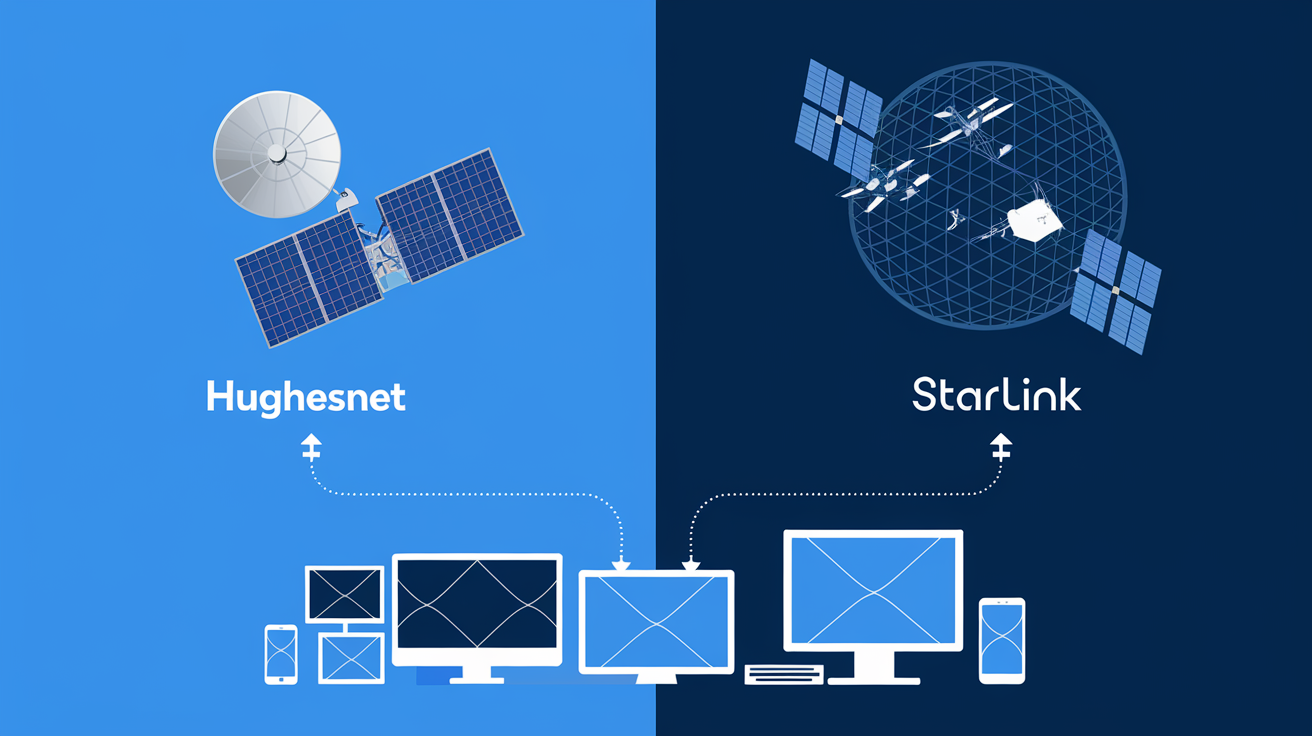
When considering satellite internet, it's helpful to compare the policies of different providers, especially regarding the provision of routers. Hughesnet is a major player, but other companies like Starlink (though a different technology, often considered in similar contexts for rural areas) and Viasat also offer satellite internet. Here's a comparison of their typical router policies as of 2025-26.
Hughesnet:
- Router Provision: Typically includes a leased Wi-Fi router along with the modem and satellite dish for new subscribers.
- Leased Equipment: The router, like the modem and dish, is leased and must be returned upon service cancellation.
- Third-Party Routers: Allows the use of customer-owned routers, provided the Hughesnet modem is still used.
- Setup: Professional installation usually includes basic setup of the provided router.
- Cost: The cost of the leased router is generally bundled into the overall monthly service fee or a separate equipment lease charge.
Viasat:
- Router Provision: Similar to Hughesnet, Viasat typically provides leased equipment, which includes a modem and a Wi-Fi router.
- Leased Equipment: Equipment is leased and must be returned.
- Third-Party Routers: Customers can generally use their own routers, connected to the Viasat modem.
- Setup: Professional installation covers the setup of Viasat's equipment.
- Cost: Included in the monthly service or equipment lease.
Starlink (SpaceX):
- Router Provision: Starlink provides its own proprietary "Starlink router" as part of its kit. This router is designed to work specifically with the Starlink satellite system.
- Owned Equipment: Unlike Hughesnet and Viasat, the Starlink kit (dish, router, cables) is purchased outright by the customer. There isn't a monthly equipment lease fee in the traditional sense, though the initial hardware cost is significant.
- Third-Party Routers: Starlink has historically had more restrictions on using third-party routers directly. While some advanced users have found workarounds (often involving placing the Starlink router in bridge mode and using their own router behind it), it's not as straightforward or officially supported as with traditional satellite providers. The Starlink router is integral to the system's operation.
- Setup: Self-installation is the norm for Starlink, with a user-friendly app guiding the process.
- Cost: A substantial upfront cost for the hardware kit.
Key Differences and Considerations for 2025-26:
The primary distinction lies in the ownership model and the integration of the router. Hughesnet and Viasat offer a leased, integrated solution that simplifies initial setup and maintenance for the user, with the flexibility to add a personal router. Starlink, on the other hand, requires a significant upfront investment for its hardware, and its proprietary router is a more central part of its system, offering less flexibility for third-party integration compared to older satellite technologies.
Data and Speed:
While router policies differ, the underlying internet speed and data allowances are also crucial. As of 2025-26, Hughesnet and Viasat continue to offer plans with varying speeds and data caps, often catering to areas where other broadband options are unavailable. Starlink, utilizing a different low-Earth orbit satellite constellation, generally offers lower latency and potentially higher speeds, but its availability and pricing can vary significantly by region.
For a user primarily concerned with getting online with minimal fuss and who doesn't have advanced networking needs, the leased router model from Hughesnet or Viasat can be appealing. For users who prioritize raw speed, lower latency, and are willing to invest in hardware and manage a more integrated system, Starlink might be a consideration, provided it's available and within budget. Always check the latest plans and policies directly from the providers, as offerings can change rapidly.
The Future of Hughesnet Equipment and Connectivity
The landscape of internet connectivity is constantly evolving, and satellite internet providers like Hughesnet are at the forefront of adapting to these changes. As we look towards the near future (2025-26 and beyond), several trends are shaping the equipment and overall connectivity experience offered by Hughesnet.
1. Next-Generation Satellite Technology:
Hughesnet is part of EchoStar, which is investing in new satellite technologies. While the specifics of future Hughesnet constellations are proprietary, the industry trend is towards higher capacity satellites, potentially in lower Earth orbits (LEO) or enhanced geostationary orbits (GEO). This aims to reduce latency and increase download/upload speeds, making satellite internet more competitive with terrestrial options.
2. Enhanced Modem and Router Capabilities:
With faster satellite links, the accompanying modems and routers will need to keep pace. We can expect Hughesnet to deploy equipment that supports newer Wi-Fi standards (like Wi-Fi 6E or even Wi-Fi 7) and offers improved processing power to handle higher data throughput. This means the leased routers might become more capable, offering better performance for connected devices.
3. Integrated Smart Home Features:
The integration of routers into broader smart home ecosystems is a growing trend. Future Hughesnet routers might offer more advanced features such as enhanced parental controls, built-in cybersecurity features, and seamless integration with smart home hubs. This moves the router from just an internet gateway to a central management device for the home network.
4. Increased Focus on User Experience and Self-Service:
As satellite internet becomes more mainstream, the expectation for ease of use and self-service grows. Hughesnet is likely to continue investing in user-friendly mobile apps for managing accounts, monitoring data usage, and performing basic network diagnostics. This empowers customers to resolve common issues without needing to contact support.
5. Hybrid Connectivity Solutions:
In some scenarios, Hughesnet might explore hybrid solutions that combine satellite with other forms of connectivity where available, such as fixed wireless or even terrestrial broadband, to offer a more robust and resilient internet experience. The equipment would need to support such multi-path connectivity.
6. Sustainability and Efficiency:
As environmental concerns grow, there's a push for more energy-efficient hardware. Future Hughesnet equipment might be designed with lower power consumption in mind, aligning with broader industry sustainability goals.
Impact on the User:
For the end-user, these advancements mean potentially faster, more reliable, and more feature-rich internet services. The equipment provided by Hughesnet will likely become more sophisticated, aiming to provide a competitive service that can meet the growing demands of modern digital life, even in areas underserved by traditional broadband. The ability to use personal routers will likely remain, offering flexibility for those who desire it, but the performance of Hughesnet's own provided hardware is expected to improve significantly.
Hughesnet's commitment to upgrading its satellite network and the associated ground equipment is crucial for its long-term viability and competitiveness. By staying abreast of technological advancements, Hughesnet aims to ensure its customers receive the best possible satellite internet experience, bridging the digital divide and enabling connectivity for a wider range of users.
Conclusion: Your Hughesnet Internet Setup
In summary, the question "Does Hughesnet provide a router?" is answered with a resounding yes for most new subscribers. Hughesnet typically includes a Wi-Fi router as part of its standard equipment lease, alongside the satellite modem and dish. This integrated approach ensures you have a complete setup ready for home internet access upon professional installation.
You can expect the provided router to be a functional component of your network, capable of supporting essential online activities. For those with more demanding needs, Hughesnet permits the use of third-party routers, allowing for greater customization and performance enhancements. Remember, if you opt for your own router, you will still need to use the Hughesnet-provided modem.
Understanding your equipment, optimizing its placement and settings, and knowing basic troubleshooting steps are key to a smooth Hughesnet experience. As satellite technology advances, Hughesnet's equipment will continue to evolve, promising faster speeds and improved reliability. By staying informed about your setup and leveraging the available options, you can effectively manage and maximize your Hughesnet internet service.