-
Posted on: 07 Jan 2026
-
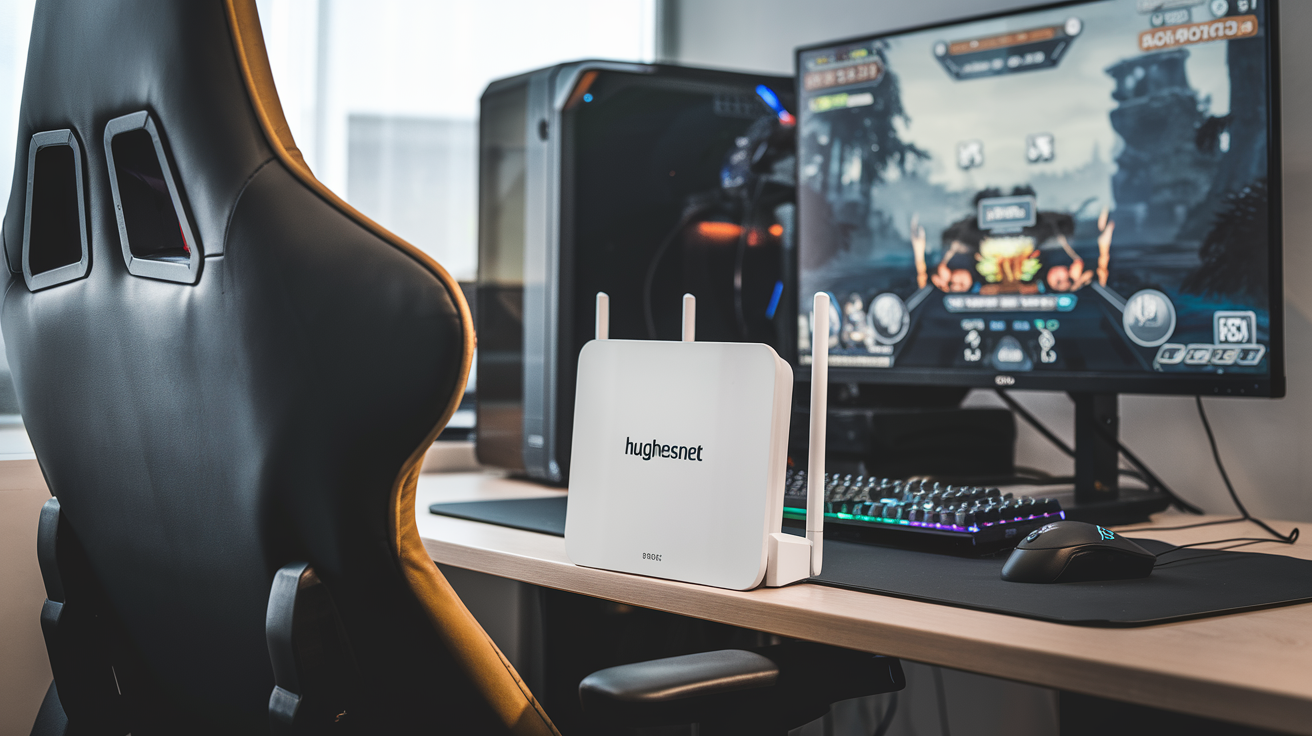
For dedicated gamers, the quest for low latency and stable connections is paramount. This article dives deep into whether HughesNet, a prominent satellite internet provider, can truly meet the demanding needs of modern online gaming, exploring its capabilities, limitations, and potential alternatives for players in underserved areas.
Understanding Satellite Internet for Gaming
Satellite internet, by its very nature, involves transmitting data over vast distances. Signals travel from your home to a satellite orbiting Earth, then to a ground station, and finally to the internet. This journey, while enabling connectivity in remote locations where terrestrial options are unavailable, introduces inherent delays. For gamers, these delays translate directly into latency, often referred to as "ping." High latency means a significant gap between your action (e.g., pressing a button) and the game's server registering that action, leading to lag, missed shots, and a frustrating gameplay experience. Understanding this fundamental limitation is crucial when evaluating any satellite internet provider for gaming, including HughesNet.
The Physics of Satellite Communication
The speed of light is finite, and the distance involved in satellite communication is substantial. A typical geostationary satellite orbits approximately 22,000 miles above the Earth. This means a signal must travel roughly 44,000 miles round trip for every data packet sent and received. Even at the speed of light, this physical distance creates a baseline latency that is significantly higher than what gamers experience with fiber optic or even cable internet. This is not a flaw in the technology itself, but a fundamental constraint imposed by physics. For competitive online gaming, where milliseconds can determine victory or defeat, this inherent latency is a major consideration.
Terrestrial vs. Satellite Connectivity
To put it into perspective, terrestrial internet services like fiber optic or cable operate over much shorter distances, often through underground cables or local infrastructure. This allows for signals to travel to and from the internet with minimal delay. Fiber optic connections, for example, can achieve latencies as low as 1-10 milliseconds (ms) in ideal conditions. Cable internet typically ranges from 10-30 ms. DSL, while slower, is still generally lower in latency than satellite. Satellite internet, on the other hand, commonly experiences latencies of 500 ms or more, and often exceeding 700 ms. This stark difference is the primary reason why satellite internet has historically been considered unsuitable for fast-paced online gaming.
The Role of Data Caps and Throttling
Beyond latency, another critical factor for gamers is data usage. Many satellite internet plans, including those from HughesNet, come with data caps. Exceeding these caps can result in significantly reduced speeds or even additional charges. Online games, especially modern titles with large downloads, updates, and continuous data streaming, can consume substantial amounts of data. While HughesNet has made strides in offering more generous data allowances in its 2025-26 plans, understanding these limits and how they might impact your gaming habits is essential.
HughesNet Overview for Gamers
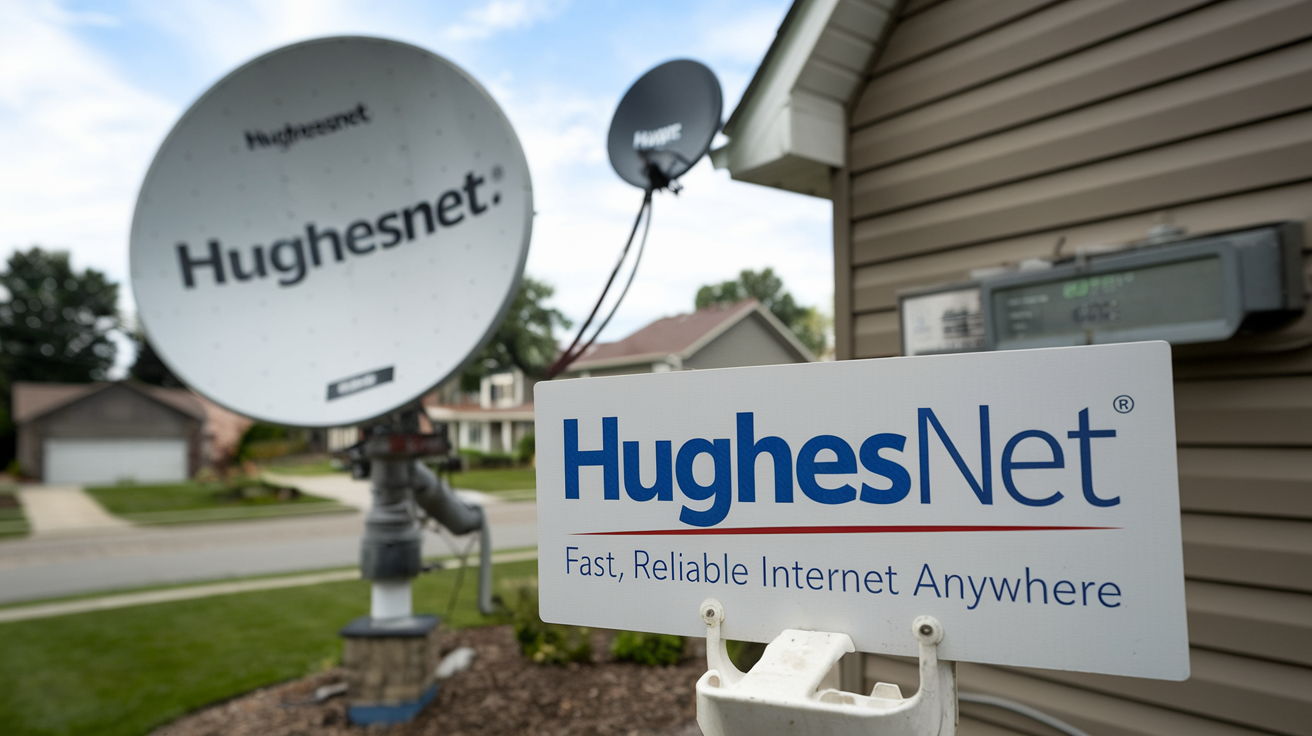
HughesNet is one of the most established providers of satellite internet services in the United States, particularly catering to rural and underserved areas where traditional broadband options are scarce. Their service relies on a network of satellites to deliver internet connectivity. For gamers, the primary question revolves around whether the advancements in their technology and plan offerings in the 2025-26 period have made it a viable option for their online gaming needs, despite the inherent challenges of satellite technology.
HughesNet's Technological Evolution
HughesNet has been actively investing in its satellite constellation and ground infrastructure. Newer generations of satellites and improved ground station technology aim to increase download and upload speeds and, to some extent, reduce latency. However, it's important to distinguish between marketing claims and the actual, physics-bound limitations of geostationary satellite internet. While speeds have improved, the fundamental latency challenge remains a significant hurdle for many gaming applications. HughesNet's latest offerings, such as their "HughesNet Fusion" technology, attempt to mitigate some of these issues by integrating terrestrial signals where available, but the core satellite component still dictates the experience.
Service Availability and Target Audience
HughesNet's primary market is individuals and households in areas lacking access to cable, fiber, or reliable DSL. This often includes rural communities, remote properties, and areas with challenging terrain. For these users, HughesNet provides a crucial internet connection for general browsing, streaming, and communication. The question for gamers is whether this essential service can also support their more demanding entertainment needs. While HughesNet is a lifesaver for connectivity, its suitability for competitive gaming is a separate and more complex evaluation.
Key Features and Potential Drawbacks for Gamers
HughesNet plans typically offer a set amount of high-speed data per month, after which speeds may be reduced. Download speeds have seen improvements, with advertised speeds often reaching up to 100 Mbps for some plans in 2025-26. Upload speeds, however, are generally much lower. The most significant drawback for gamers remains the high latency, often ranging from 500 ms to over 700 ms. This makes real-time, fast-paced online multiplayer games extremely difficult to play effectively. For slower-paced games or offline gaming, the impact is less pronounced.
Key Gaming Metrics and HughesNet: The Latency Hurdle
When evaluating any internet service for gaming, several key metrics are paramount: latency (ping), download speed, upload speed, and jitter. For HughesNet, latency is the most significant bottleneck for online gaming. Understanding these metrics and how HughesNet performs against them is critical for setting realistic expectations.
Latency (Ping): The Achilles' Heel
Latency, or ping, is the time it takes for a data packet to travel from your computer to a server and back. In gaming, lower ping is always better. A ping of 20-50 ms is considered excellent, 50-100 ms is good, 100-150 ms is acceptable for casual play, and anything above 200 ms becomes problematic. HughesNet's inherent satellite architecture results in latencies typically between 500 ms and 700 ms, and often higher. This means that when you press a button to move your character or fire a weapon, it can take half a second or more for that action to register in the game. In fast-paced shooters, MOBAs, or fighting games, this delay is not just noticeable; it's often game-breaking. You'll find yourself being shot before you see your opponent, missing crucial dodges, or having your attacks fail to register.
Download Speed: Sufficient for Some Tasks
HughesNet's download speeds have improved considerably. In 2025-26, advertised download speeds can reach up to 100 Mbps on their premium plans. This is generally sufficient for downloading game files, patches, and updates, which can be large. For example, downloading a 50 GB game might take several hours, depending on the exact speed and any data cap limitations. It's also adequate for streaming video content at high resolutions, which is a common activity for gamers.
Upload Speed: A Potential Bottleneck
Upload speeds on HughesNet are typically much lower than download speeds, often ranging from 3 Mbps to 5 Mbps. While this is usually sufficient for basic online activities like browsing and email, it can become a bottleneck for certain gaming-related activities. Streaming your gameplay via platforms like Twitch or YouTube requires a stable and reasonably fast upload connection. If your upload speed is too low, your stream will be laggy, pixelated, or drop entirely, making it difficult to share your gaming experiences. For games that rely on sending a lot of player input data, low upload speeds can also contribute to perceived lag.
Jitter: The Unpredictability Factor
Jitter refers to the variation in latency over time. Even if your average ping is relatively stable, high jitter means that the delay can fluctuate wildly, causing unpredictable spikes in lag. This inconsistency is often more disruptive to gaming than a consistently high ping. Satellite connections can be susceptible to jitter due to atmospheric conditions, satellite handoffs, and network congestion. These unpredictable delays can lead to moments of extreme lag, even if your average ping appears within a playable range.
Impact on Different Game Genres
The impact of HughesNet's latency varies significantly by game genre:
- Fast-Paced Multiplayer (FPS, MOBAs, Fighting Games): These genres are almost unplayable with HughesNet's typical latency. Reaction times are critical, and a 500+ ms delay makes competitive play impossible.
- MMORPGs: While still affected, slower-paced MMORPGs with less emphasis on split-second reactions might be more tolerable. However, raid mechanics and group combat can still be challenging.
- Strategy Games (RTS, Turn-Based): These genres are generally less sensitive to latency. Turn-based games are almost unaffected, and RTS games can be playable, though rapid unit control might suffer.
- Cooperative Games: Puzzles or exploration-focused co-op games might be playable, but action-oriented co-op titles will face similar issues to competitive multiplayer.
- Offline Single-Player Games: HughesNet is perfectly suitable for downloading and playing single-player games that do not require an internet connection.
HughesNet Plans and Their Gaming Suitability (2025-26)
HughesNet offers several plans, each with varying data allowances, speeds, and pricing. For gamers, the suitability of these plans hinges on the balance between data caps, potential for speed reductions, and the ever-present latency. As of 2025-26, HughesNet continues to refine its offerings, but the core limitations of satellite technology persist.
HughesNet Satellite Internet Plans (Illustrative 2025-26)
While specific plan names and data tiers can change, the general structure remains consistent. Here's a breakdown of typical features and how they relate to gaming:
Plan Feature Typical Offering (2025-26) Gaming Implication Data Allowance Ranges from 100 GB to 200 GB of high-speed data per month. Some plans might offer "bonus data" during off-peak hours. Sufficient for moderate gaming sessions and downloads, but heavy users or those downloading many large games may hit caps. Exceeding caps leads to significantly reduced speeds. Download Speeds Advertised speeds up to 100 Mbps on premium plans. Adequate for downloading games and updates, and streaming video. Does not impact in-game responsiveness due to latency. Upload Speeds Typically 3-5 Mbps. Potentially a bottleneck for game streaming or games requiring significant upload bandwidth. Generally sufficient for basic online play. Latency Consistently 500 ms - 700+ ms. The primary disqualifier for most real-time online gaming. Equipment Lease/Purchase Monthly lease fee for satellite dish and modem, or option to purchase. Standard for satellite internet; does not directly impact gaming performance but adds to cost. Service Area Available nationwide, especially in rural and underserved areas. The main reason someone would consider HughesNet for gaming is lack of better alternatives. Analyzing Data Caps for Gaming
Modern games are data-intensive. A single AAA title can be 50-100 GB to download. Online multiplayer games also consume data during gameplay, though typically less than downloads. A 100 GB data cap might be depleted quickly if you download a new game or a large update. HughesNet's "Data Rollover" or "Bonus Data" features (available on some plans during off-peak hours, typically 2 AM to 8 AM) can help manage this, but it requires careful planning and gaming outside peak hours.
For instance, if a game update is 20 GB, and you download it during peak hours, you've used 20% of a 100 GB cap. Downloading two such updates could exhaust your high-speed data for the month, leading to significantly slower speeds (often 1-3 Mbps) for the remainder of the billing cycle. This "hard throttle" makes gaming virtually impossible during that period.
The "HughesNet Fusion" Advantage (and Limitations)
HughesNet Fusion is a technology designed to enhance the satellite internet experience by intelligently combining satellite and terrestrial (e.g., cellular) signals. Where a compatible terrestrial signal is available, Fusion can leverage it to provide faster speeds and, crucially, lower latency. However, this technology is not universally available and depends heavily on the user's specific location and the presence of a strong, compatible terrestrial signal. Even with Fusion, the satellite component still plays a role, and latency may not reach the levels of dedicated fiber or cable connections. It's a step towards improvement, but not a complete solution for latency-sensitive gaming.
Cost vs. Performance Trade-offs
HughesNet plans are often priced competitively, especially when compared to the cost of satellite internet in general. However, when evaluating the cost against the performance for gaming, the value proposition diminishes significantly. You might pay a premium for a service that, due to its fundamental limitations, cannot deliver the desired gaming experience. It's essential to weigh the cost against your primary use case. If gaming is a secondary concern and connectivity is the main goal, the cost might be justifiable. If gaming is a priority, the cost of HughesNet might be better allocated to a different solution if one exists, or accepted as a necessary compromise for having any internet at all.
Real-World Gaming Experiences with HughesNet
Anecdotal evidence and user reviews paint a consistent picture of HughesNet's performance for gaming. While individual experiences can vary based on location, specific game, and individual tolerance for lag, the overarching theme is that HughesNet is generally not recommended for serious online gaming. However, it can be sufficient for certain types of gaming or for users with no other options.
Player Testimonials and Forums
Discussions on gaming forums and technology review sites frequently highlight the challenges of playing games like Call of Duty, Valorant, League of Legends, or Fortnite on HughesNet. Players report:
- Extreme Lag Spikes: Even with a seemingly stable connection, unpredictable lag spikes can occur, making gameplay unplayable for minutes at a time.
- Delayed Inputs: Actions like shooting, jumping, or casting spells register with a noticeable delay, leading to frustration and missed opportunities.
- Disconnections: While not as common as lag, some users report intermittent disconnections, especially during peak usage times or due to satellite signal interference.
- Difficulty with Team Play: In team-based games, high latency puts players at a significant disadvantage, impacting their ability to coordinate with teammates and contribute effectively.
Conversely, some users find HughesNet acceptable for less demanding games:
- Turn-Based Strategy Games: Games like Civilization VI or XCOM, where turns are taken sequentially, are largely unaffected by latency.
- Older or Less Demanding Online Games: Some older titles or games with less sophisticated netcode might be more forgiving.
- Offline Gaming: For downloading games and playing single-player titles, HughesNet performs adequately.
Case Studies: The Rural Gamer's Dilemma
Consider a gamer living in a remote area where the only available internet is HughesNet. They might subscribe to a plan hoping to play their favorite MMO or a casual online shooter. They download the game, which takes several hours. When they log in, they immediately notice the sluggish response. Their character moves with a slight delay, enemies appear to teleport, and their attacks often miss. They might try adjusting graphics settings or lowering resolution, but these changes do little to address the fundamental latency issue. They might then explore HughesNet Fusion if available, which could offer a slight improvement, but it's unlikely to bring their ping down to competitive levels. Ultimately, they might find themselves playing mostly offline or switching to less demanding games, accepting the limitations of their location.
Comparison with Other Satellite Providers
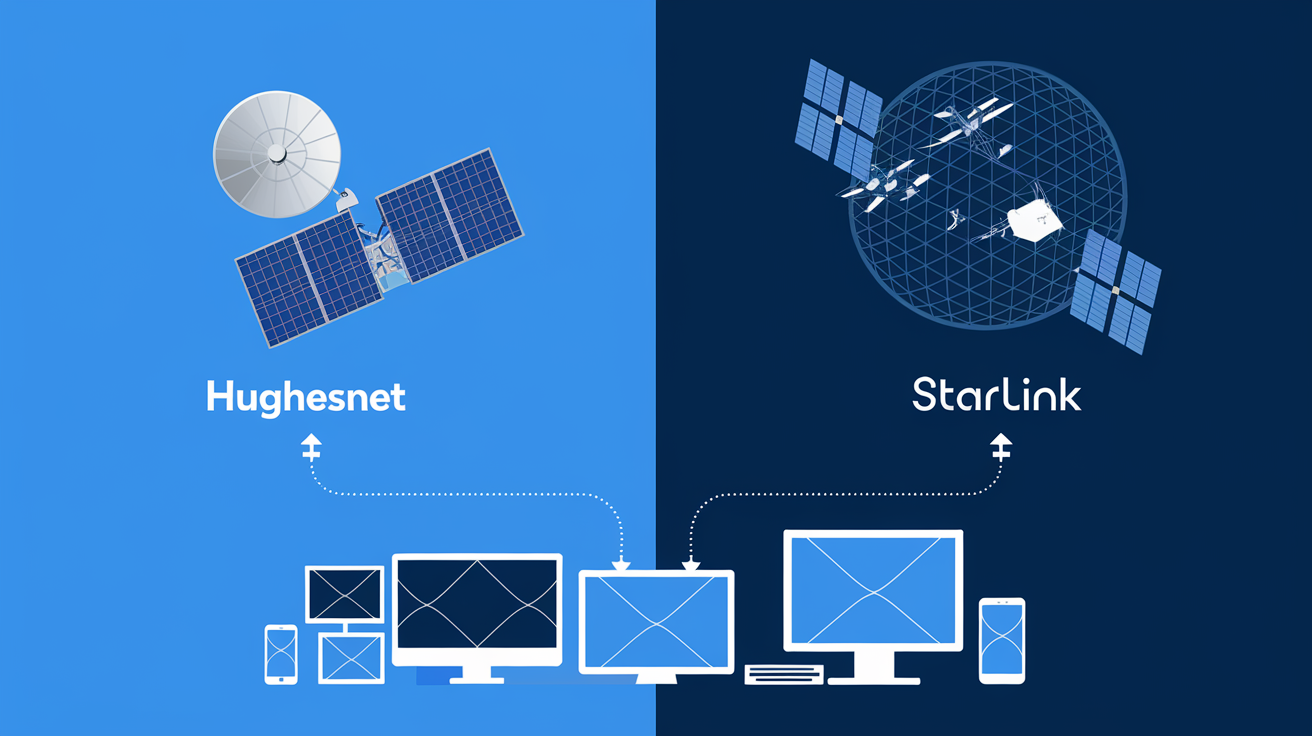
While this article focuses on HughesNet, it's worth noting that other satellite providers like Viasat also face similar latency challenges due to the nature of geostationary satellite technology. Newer low-Earth orbit (LEO) satellite internet providers, such as Starlink, have emerged with significantly lower latency (often 20-50 ms) due to their satellites being much closer to Earth. These LEO services are generally considered far superior for online gaming. Therefore, when considering satellite for gaming, the distinction between geostationary (HughesNet, Viasat) and LEO (Starlink) is critical.
Data Cap Impact on Gaming Sessions
Beyond latency, data caps are a constant concern. A typical gaming session might involve downloading updates, playing for a few hours, and perhaps streaming some gameplay. A 100 GB data cap can be consumed quickly. For example, playing a game like Apex Legends for 2 hours a day, 5 days a week, might consume around 1-2 GB per day, totaling 10-20 GB per week. Add to that game downloads and updates, and the 100 GB cap can be reached within a couple of weeks for an active gamer. This forces gamers to either drastically limit their playtime or face severely reduced speeds, rendering gaming impossible.
Factors Affecting Satellite Gaming Performance
While latency is the primary determinant of satellite internet's suitability for gaming, several other factors can influence the overall experience. Understanding these can help manage expectations and potentially mitigate some issues.
Weather Conditions
Satellite signals travel through the Earth's atmosphere. Adverse weather conditions such as heavy rain, snow, or dense fog can interfere with these signals, leading to increased latency, packet loss, and even temporary service outages. This phenomenon is often referred to as "rain fade." For gamers, this means that even on a good day, their connection can become unstable and laggy simply due to the weather, adding another layer of unpredictability to their gaming sessions.
Satellite Congestion and Network Load
Like any internet service, satellite networks can experience congestion, especially during peak usage hours. When many users in a particular area are simultaneously accessing the internet, the available bandwidth per user can decrease. This can lead to slower speeds and potentially increased latency or jitter, further degrading the gaming experience. HughesNet, like other providers, manages its network to mitigate congestion, but it remains a factor, particularly in densely populated service areas.
Equipment and Installation Quality
The performance of your satellite internet connection is also dependent on the quality of the installation and the condition of your equipment (satellite dish and modem). A misaligned dish, damaged cables, or outdated modem can all contribute to a suboptimal connection. It's crucial to ensure that the satellite dish is professionally installed and has a clear, unobstructed view of the southern sky (for most North American installations) to maintain a strong signal. Regular checks for debris on the dish or damage to cables are also advisable.
Number of Connected Devices
While the primary bottleneck for gaming is latency, having multiple devices actively using the internet simultaneously can still impact performance. If other household members are streaming videos, downloading large files, or engaging in bandwidth-intensive activities while you're trying to game, it can consume a portion of the available bandwidth. While HughesNet's plans have a set data allowance, the shared nature of the connection means that overall network activity can affect perceived speeds and potentially contribute to minor increases in latency or jitter, especially if data caps are being approached.
HughesNet Fusion Technology Integration
As mentioned earlier, HughesNet Fusion aims to improve performance by blending satellite and terrestrial signals. The effectiveness of this technology is highly dependent on the availability and quality of a local terrestrial signal. In areas where Fusion is actively supported and a good terrestrial signal exists, gamers might experience a noticeable improvement in responsiveness compared to a pure satellite connection. However, this is not a universal solution, and its availability is limited. Users should verify if Fusion is an option in their specific location and understand its potential benefits and limitations.
Comparison with Low-Earth Orbit (LEO) Satellite Internet
It is crucial to differentiate HughesNet's geostationary satellite technology from emerging LEO satellite services like Starlink. LEO satellites orbit much closer to Earth (hundreds of miles vs. 22,000 miles for geostationary), drastically reducing the travel distance for data signals. This results in significantly lower latency, often in the 20-50 ms range, making LEO satellite internet a viable option for even the most demanding online games. HughesNet, operating with geostationary satellites, cannot compete with LEO services on latency.
Alternatives to HughesNet for Gamers
Given the significant latency challenges with HughesNet for gaming, exploring alternative internet solutions is highly recommended for any serious gamer. The best alternative will depend on your geographic location and the availability of different technologies.
Low-Earth Orbit (LEO) Satellite Internet (e.g., Starlink)
Starlink is the most prominent LEO satellite internet provider. By deploying a constellation of thousands of satellites in low Earth orbit, Starlink achieves significantly lower latency (typically 20-50 ms) compared to geostationary satellites like HughesNet. This makes it a viable, and often excellent, alternative for online gaming. Starlink plans generally offer higher speeds and more generous data allowances than traditional satellite services. However, availability can be limited, and there's often a waiting list. The upfront cost for equipment is also higher than HughesNet's lease options.
Fixed Wireless Internet
Fixed wireless internet uses radio signals to transmit data between a provider's tower and a small antenna installed at your home. In some rural or suburban areas, fixed wireless providers can offer speeds and latencies comparable to cable or DSL. Latency can range from 20-100 ms, which is significantly better than HughesNet for gaming. Availability is highly location-dependent, and performance can be affected by line-of-sight obstructions and weather.
DSL Internet
Digital Subscriber Line (DSL) internet uses existing telephone lines to provide internet access. While generally slower than cable or fiber, DSL can offer lower latency than satellite internet. In areas where cable or fiber is not available, DSL might be the next best option for gaming, with latencies typically ranging from 30-100 ms. Speeds can vary greatly depending on your distance from the provider's central office.
Cable Internet
Cable internet is widely available in many urban and suburban areas and offers a good balance of speed and latency for gaming. Latencies typically range from 10-30 ms, making it an excellent choice for most online games. Speeds are generally higher than DSL and can support multiple users and devices. If cable is available in your area, it's usually a top recommendation for gamers.
Fiber Optic Internet
Fiber optic internet is the gold standard for internet connectivity. It offers the highest speeds, lowest latency (often 1-10 ms), and greatest reliability. If fiber optic service is available at your address, it is unequivocally the best option for gaming and all other internet-related activities. However, fiber deployment is still limited, particularly in rural areas.
Mobile Hotspots and 5G Home Internet
In some cases, a strong cellular signal can be used for gaming via a mobile hotspot or a dedicated 5G home internet service. 5G home internet, in particular, can offer speeds and latencies competitive with cable in certain areas. However, this is highly dependent on the quality of the cellular network and the specific plan's data caps and throttling policies. Cellular data can also be expensive if used heavily for gaming.
Evaluating Your Options: A Step-by-Step Guide
- Check Availability: Visit the websites of major ISPs (Comcast/Xfinity, Spectrum, Verizon Fios, AT&T Fiber, etc.) and LEO satellite providers (Starlink) to check for service availability at your specific address.
- Research Local Providers: Search for smaller, regional ISPs that might offer fixed wireless or DSL services in your area.
- Compare Key Metrics: Focus on advertised latency, download/upload speeds, and data caps. For gaming, latency is paramount.
- Read Reviews: Look for user reviews and testimonials specific to your area and gaming performance.
- Consider Equipment Costs: Factor in any upfront equipment costs or monthly lease fees.
- Understand Data Policies: Pay close attention to data caps, overage charges, and throttling policies.
Optimizing HughesNet for Gaming (If Necessary)
If HughesNet is your only viable option for internet access, and you absolutely must game online, there are a few strategies you can employ to mitigate the impact of its limitations. These won't transform HughesNet into a high-performance gaming connection, but they might make the experience slightly more tolerable.
Prioritize Off-Peak Gaming and Downloads
HughesNet often offers "Bonus Data" or "Power Boost" during off-peak hours (typically overnight, e.g., 2 AM to 8 AM). Utilize these periods for downloading games, updates, and patches. This conserves your primary high-speed data allowance for when you actually need it. Similarly, if you can schedule your gaming sessions during these off-peak times, you might experience slightly better performance, although the fundamental latency issue will persist.
Optimize Your Home Network
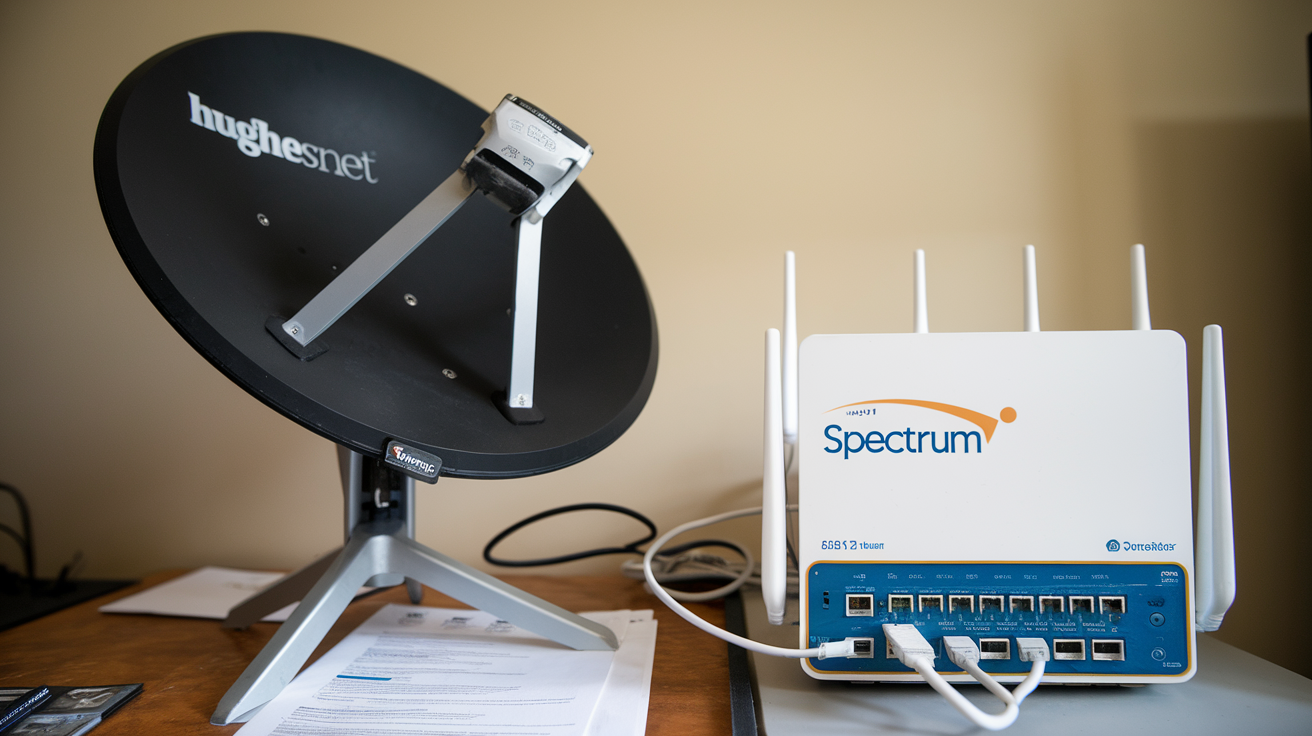
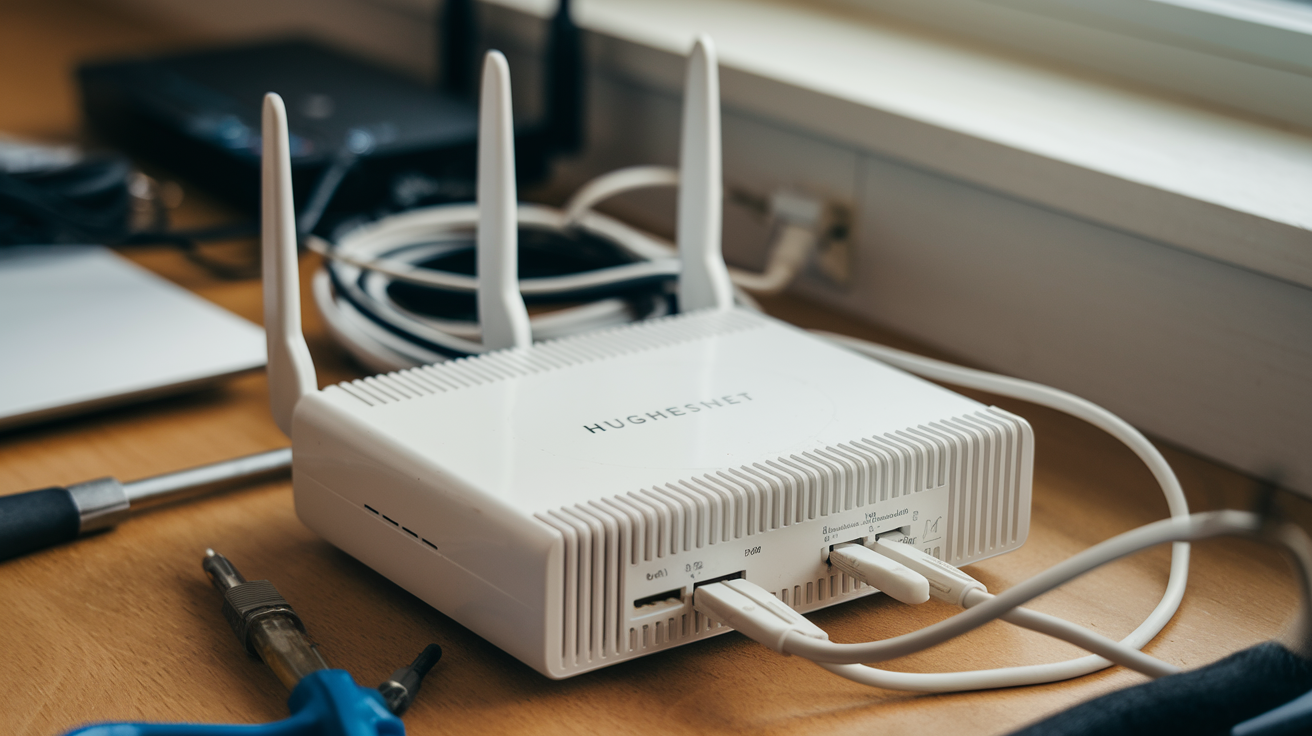
Wired Connection: Always use a wired Ethernet connection from your gaming console or PC directly to the HughesNet modem. Wi-Fi connections introduce additional latency and are more susceptible to interference. A stable Ethernet connection minimizes potential network bottlenecks within your home.
Minimize Network Congestion: During your gaming sessions, try to ensure that other devices in your household are not consuming significant bandwidth. Ask family members to avoid streaming videos, downloading large files, or engaging in other data-intensive activities simultaneously. This frees up as much of the limited bandwidth as possible for your game.
Quality Router (If Applicable): While HughesNet provides its modem, if you use a separate router, ensure it's a modern, high-quality device. However, be aware that the router's capabilities cannot overcome the satellite's inherent latency.
Choose Games Wisely
As discussed earlier, certain game genres are far more forgiving of high latency than others. If you're using HughesNet, focus your online gaming efforts on:
- Turn-based strategy games
- Slower-paced RPGs
- Games with less emphasis on real-time reaction
- Cooperative games where precise timing is less critical
Avoid competitive, fast-paced shooters, MOBAs, or fighting games, as these will likely lead to an overwhelmingly frustrating experience.
Utilize HughesNet Fusion If Available
If your location is eligible for HughesNet Fusion, inquire about it. This technology attempts to combine satellite and terrestrial signals, which can potentially offer lower latency and higher speeds in supported areas. While it's not a substitute for fiber or cable, it might provide a marginal improvement over a pure satellite connection for gaming.
Adjust In-Game Settings
While latency cannot be fixed by in-game settings, some games offer options that might help manage the experience:
- Lower Graphics Settings: While not directly related to latency, reducing graphical fidelity can sometimes lessen the load on your system, potentially leading to smoother overall performance, though it won't reduce ping.
- Network Smoothing/Lag Compensation: Some games have built-in lag compensation features. Experiment with these settings, but understand they are designed to mask lag for the player experiencing it, not to eliminate it.
- Server Selection: If possible, choose game servers that are geographically closest to your location. This can sometimes help reduce ping, though the satellite's distance to the ground station is the primary factor.
Manage Expectations
Perhaps the most crucial optimization is managing your expectations. Understand that HughesNet is a satellite internet service designed primarily for basic connectivity in areas lacking alternatives. While it enables online access, it is not engineered for the demands of high-performance online gaming. Accept that there will be limitations, and focus on enjoying the games that are most playable under these conditions.
The Verdict: HughesNet for Gaming in 2025-26
After a thorough examination of HughesNet's capabilities, its inherent technological constraints, and the demands of modern online gaming, the verdict for 2025-26 remains largely unchanged: HughesNet is generally not suitable for serious online gaming. While it provides essential internet access to many, its high latency, a fundamental characteristic of geostationary satellite technology, creates an insurmountable barrier for most fast-paced, real-time multiplayer experiences.
Summary of Key Findings
Our analysis highlights several critical points:
- Latency is the Dealbreaker: HughesNet's typical latency of 500-700+ ms is far too high for competitive or even casual play in genres like FPS, MOBAs, and fighting games.
- Data Caps Can Be Restrictive: While improved, data allowances can still be depleted quickly by large game downloads and updates, leading to significant speed reductions.
- Download Speeds are Adequate: HughesNet's download speeds are sufficient for downloading games and streaming, but this does not compensate for latency issues during gameplay.
- Upload Speeds are Limited: Low upload speeds can hinder game streaming and potentially impact certain online interactions.
- HughesNet Fusion Offers Some Hope: In areas where it's available and a terrestrial signal exists, Fusion can provide marginal improvements, but it doesn't eliminate the core latency problem.
- Alternatives Exist: LEO satellite internet (like Starlink), fixed wireless, DSL, cable, and fiber optic offer significantly better gaming performance where available.
Recommendation for Gamers
For gamers prioritizing online multiplayer performance, the recommendation is clear: seek alternatives to HughesNet whenever possible. If you live in an area with access to cable, fiber, or even reliable DSL, these options will provide a vastly superior gaming experience due to their significantly lower latency.
If your only option for internet is satellite, and you are considering HughesNet, we strongly advise investigating LEO satellite providers like Starlink first. Their technology is specifically designed to overcome the latency issues that plague traditional geostationary satellite services. If LEO is also unavailable or too costly, explore fixed wireless options.
However, if HughesNet is truly your only recourse for any internet connectivity, understand its limitations. Focus on offline gaming, turn-based strategy games, or very casual online experiences where high ping is less detrimental. Utilize off-peak hours for downloads and be prepared for a compromised gaming experience.
The Future of Satellite and Gaming
The emergence of LEO satellite technology represents a significant leap forward for satellite internet and gaming. As these constellations mature and become more widely available, they will undoubtedly change the landscape for gamers in underserved regions. While HughesNet has been a pioneer in satellite broadband, its geostationary model faces inherent physical limitations that newer technologies are overcoming. For gamers in 2025-26, the challenge isn't just about having internet; it's about having the *right kind* of internet for their specific needs, and for gaming, HughesNet, in its current form, generally falls short.